
AI is turning coding automation into a normal part of serious software delivery, not a side experiment. The biggest gains come from using it to remove repetitive work: boilerplate, tests, documentation, code review prep, refactoring suggestions, and environment setup. The best teams treat AI as a skilled assistant, not as an unchecked author.
TLDR: AI coding tools can speed up routine development, but they need guardrails, review, and clear ownership. A 12 person product team might use an AI assistant to generate unit tests and cut pull request review time by 28%, while still requiring senior engineers to approve every change. The value is real when AI is tied to measurable outcomes such as fewer defects, faster releases, and less time spent on repetitive tickets.
What Coding Automation Means Now
Coding automation used to mean scripts, templates, build pipelines, and continuous integration. Those still matter. AI adds a new layer: systems that can read context, suggest code, explain errors, write tests, and propose fixes based on natural language prompts.
This changes the development process in practical ways. A developer can ask for a function, a database query, or a test suite. The tool can produce a first draft in seconds. It can also scan existing code and suggest safer patterns. That does not remove engineering judgment. It shifts where judgment is used.
Instead of spending an hour writing repetitive glue code, an engineer may spend ten minutes checking whether generated code follows the architecture, security rules, and performance needs. That trade can be valuable. It can also be risky if teams confuse speed with quality.
Where AI Helps Most
AI coding tools are strongest when the task has a clear pattern. They are less reliable when the task requires deep product context, unusual architecture, or strict domain rules. That distinction matters.
- Boilerplate generation: Controllers, data models, API clients, form handlers, and configuration files can be drafted quickly.
- Test creation: AI can suggest unit tests, edge cases, mocks, and regression checks based on existing code.
- Code explanation: New team members can ask what a file does and get a readable summary.
- Refactoring support: Tools can identify duplication, suggest smaller functions, and clean up naming.
- Documentation: AI can create draft comments, changelog entries, API notes, and internal guides.
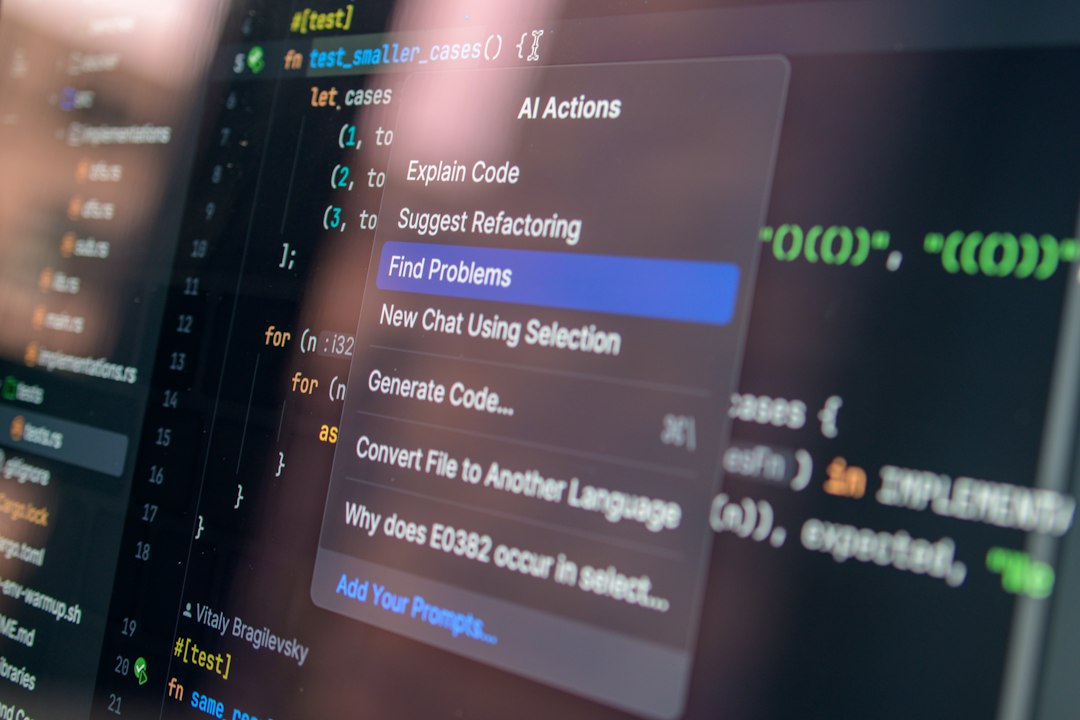
- Debugging assistance: Error messages can be analyzed, with likely causes and fixes proposed.
These uses sound simple. That is the point. The financial case for AI often comes from the dull work nobody wants to do. Honestly, it feels like a waste when a senior engineer spends half a morning writing near identical tests for simple validation rules. AI can take the first pass, while the engineer checks intent and coverage.
Why This Is Not Full Autopilot
AI can produce code that looks right and fails in subtle ways. It may use outdated APIs. It may miss business rules. It may invent functions that do not exist. It can also create security problems by copying unsafe patterns from public examples.
The output is often confident. That confidence is the annoying part. A bad suggestion can cost more time than writing the code yourself, especially when the error only appears after deployment. Expect to waste time on fixes if the team accepts generated code without review.
Good teams set firm rules. AI output must pass the same checks as human code. That includes tests, linting, code review, dependency scanning, and security review for sensitive modules. The author remains accountable, even if the first draft came from a tool.
How AI Changes the Developer Role
AI does not make developers irrelevant. It changes the center of the job. Developers spend less time typing obvious code and more time defining intent, checking behavior, and protecting system quality.
Prompting is part of that shift. A vague prompt creates weak code. A precise prompt can save real time. For example, “write a function to validate user input” is too broad. A better request includes language, framework, validation rules, error format, and test expectations.
The developer becomes an editor, reviewer, and system thinker. That is not a downgrade. It is closer to how senior engineers already work. They clarify requirements, judge tradeoffs, and guard against short term fixes that cause long term pain.
Impact on Speed and Quality
The strongest results appear when AI is added to an already disciplined process. If a team has clean repositories, reliable tests, and clear coding standards, AI has better context. If the codebase is messy, AI may repeat the mess faster.
Teams often report faster task completion for standard work. Some internal studies and vendor reports suggest productivity gains between 10% and 40% for common coding tasks. Those numbers vary a lot. They depend on team skill, codebase age, review quality, and the type of work being measured.
Speed is only one metric. A serious team should also track:
- Defect rate: Are bugs increasing after AI adoption?
- Review time: Are pull requests easier or harder to approve?
- Test coverage: Are generated tests meaningful or just inflated numbers?
- Cycle time: Do tickets move from planning to release faster?
- Security findings: Are static analysis warnings rising?
If AI speeds delivery but increases production incidents, the tool is not helping. It is just moving cost from development to operations.
Security, Privacy, and Compliance Risks
AI coding tools raise serious governance questions. Developers may paste sensitive code, customer data, secrets, or proprietary algorithms into external systems. That can create legal and security exposure.
Companies need clear policies before wide rollout. The rules should state what can be shared with AI tools, which tools are approved, and how generated code is reviewed. Regulated sectors need extra care. Finance, healthcare, defense, and enterprise software cannot rely on informal judgment alone.
Some organizations use private models or enterprise plans with stronger data controls. Others restrict AI use to non sensitive tasks. The right model depends on risk tolerance, contract terms, and technical controls.
Practical Adoption Plan
AI adoption should start small. Pick a few safe use cases. Measure them. Then expand. A rushed rollout creates confusion and poor habits.
- Choose one team: Start with developers who already follow strong review and testing practices.
- Define approved tasks: Examples include test drafts, documentation, simple refactors, and error explanation.
- Set review rules: No generated code should bypass human approval.
- Track metrics: Compare cycle time, bug reports, review comments, and test quality before and after adoption.
- Train developers: Teach prompt quality, security limits, and verification methods.
This approach keeps AI useful without letting it create hidden risk. It also reduces resistance. Developers trust tools more when expectations are clear.

The Future of Coding Automation
The next stage will be deeper integration into the development workflow. AI will not just sit inside the editor. It will connect with issue trackers, design documents, test reports, dependency scanners, and deployment systems.
A future AI assistant may read a ticket, inspect the codebase, propose a plan, generate changes, run tests, summarize risk, and prepare a pull request. A human engineer will still make the final call. That approval step matters, especially for complex systems.
The larger shift is cultural. Teams will need to value verification as much as generation. Writing code is becoming easier. Proving that code is correct remains hard.
AI is best seen as a force multiplier for disciplined engineering. It can reduce repetitive work, improve documentation, and help teams move faster. But it cannot replace architecture, product judgment, security thinking, or accountability. The winners will be teams that automate the boring parts while keeping humans responsible for the important ones.