Google Maps is usually the better first choice for finding a holiday gas station nearby, while Waze is stronger once the driver is already on the road and needs cheaper fuel with live traffic context. For Thanksgiving, Christmas, New Year’s, and long weekend travel, the smartest move is to check both apps before trusting a single result. Holiday hours can be messy, and one wrong “open now” label can cost 15 minutes, a detour, and a lot of patience.
TLDR: Google Maps tends to be better for confirming whether a nearby gas station is open, because it shows business hours, recent reviews, phone numbers, and photos in one place. Waze is better for drivers already moving, especially when comparing fuel prices and traffic delays along the route. For example, a family leaving at 7:30 p.m. on Christmas Eve may find that Google Maps shows 12 nearby stations, but only 7 marked open, while Waze may highlight the 3 cheapest options within a 10 minute drive. The safest method is to use Google Maps to confirm hours, then Waze to pick the fastest stop.
Why Holiday Gas Station Searches Are Tricky
Holiday driving creates a strange problem. More people are on the road, but many small stations reduce hours. Some close early. Some leave pumps on but lock the store. Some show regular hours online even when staff went home two hours ago.
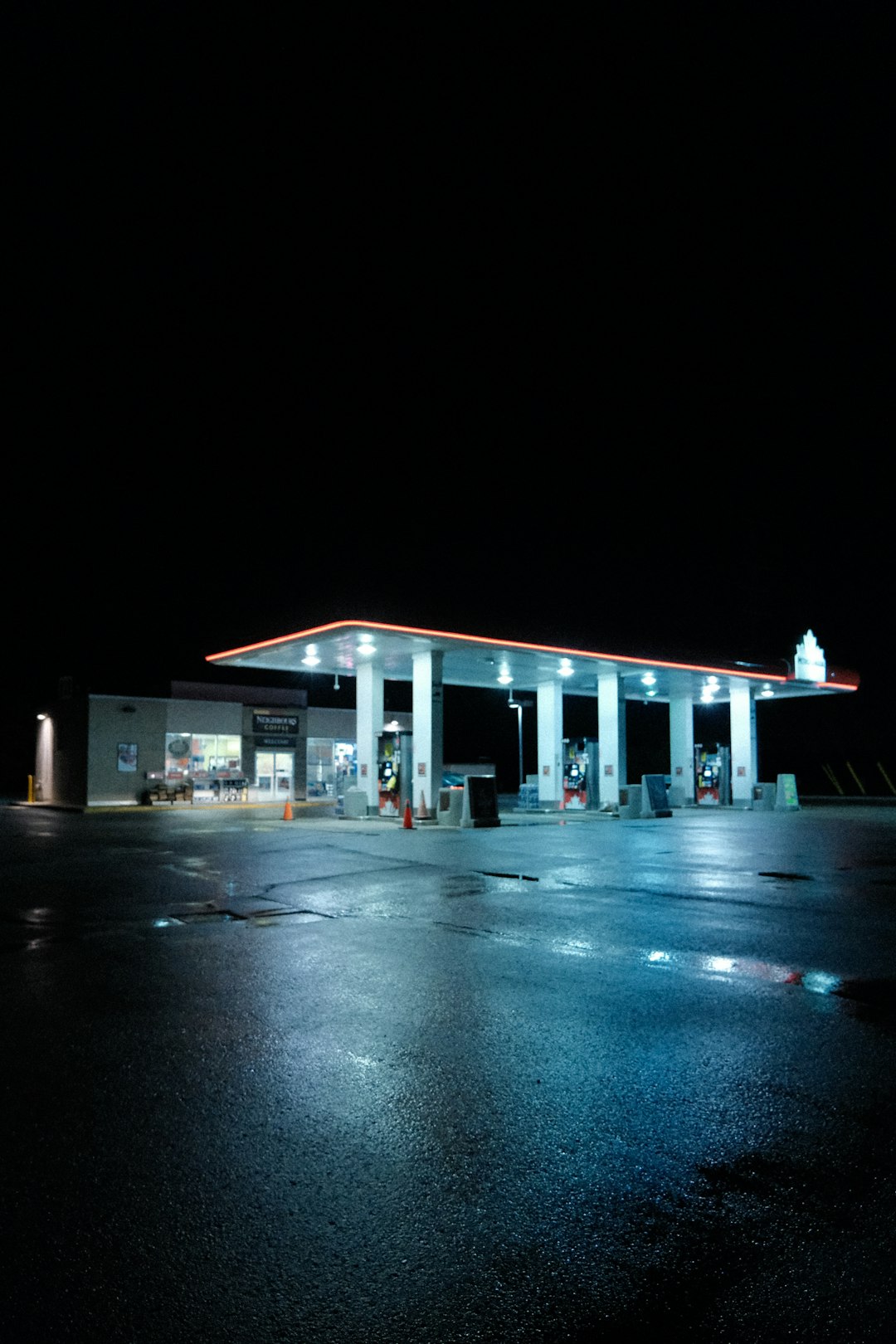
It drives people crazy that a station can appear as open, only for the driver to arrive and see dark windows, cones by the pumps, or a handwritten note taped to the door. This happens more often on major holidays, especially in suburban and rural areas.
Searches like “holiday gas station closest to me” usually mean one of three things:
- The driver needs fuel immediately.
- The driver needs a store that is open, not just pay at pump.
- The driver wants the cheapest open station without leaving the route.
Google Maps and Waze answer those needs in different ways.
Google Maps: Best for Confirming Open Gas Stations
Google Maps is stronger for checking whether a gas station is actually open. Its biggest advantage is the amount of business information shown on one screen. A driver can see hours, holiday hour warnings, photos, reviews, phone numbers, popular times, and whether the station has a convenience store.
For holiday travel, the “Open now” filter matters. It helps remove closed stations from the map. It is not perfect, but it saves time. Google also labels some listings with messages such as “Holiday hours may differ”. That warning is annoying but useful. It tells the driver not to trust the listing blindly.
Google Maps also helps when the traveler needs more than fuel. Families may need bathrooms, snacks, coffee, diapers, or an ATM. Google’s photos and reviews often reveal whether a location is clean, busy, or attached to a larger travel plaza.
Where Google Maps Works Well
- Finding the closest open station: The map layout makes nearby options easy to compare.
- Checking holiday hours: Listings often show special hours or warnings.
- Calling the station: The phone button is easy to find.
- Checking amenities: Photos and reviews help confirm bathrooms, food, and store access.
- Planning before departure: Drivers can search near home, hotels, airports, or highways.
The weak point is fuel price accuracy. Google Maps sometimes shows prices, but not always. Even when prices appear, they may lag behind the real pump price. On holiday weekends, prices can shift fast near highways and airports.
Waze: Best for Live Driving and Fuel Prices
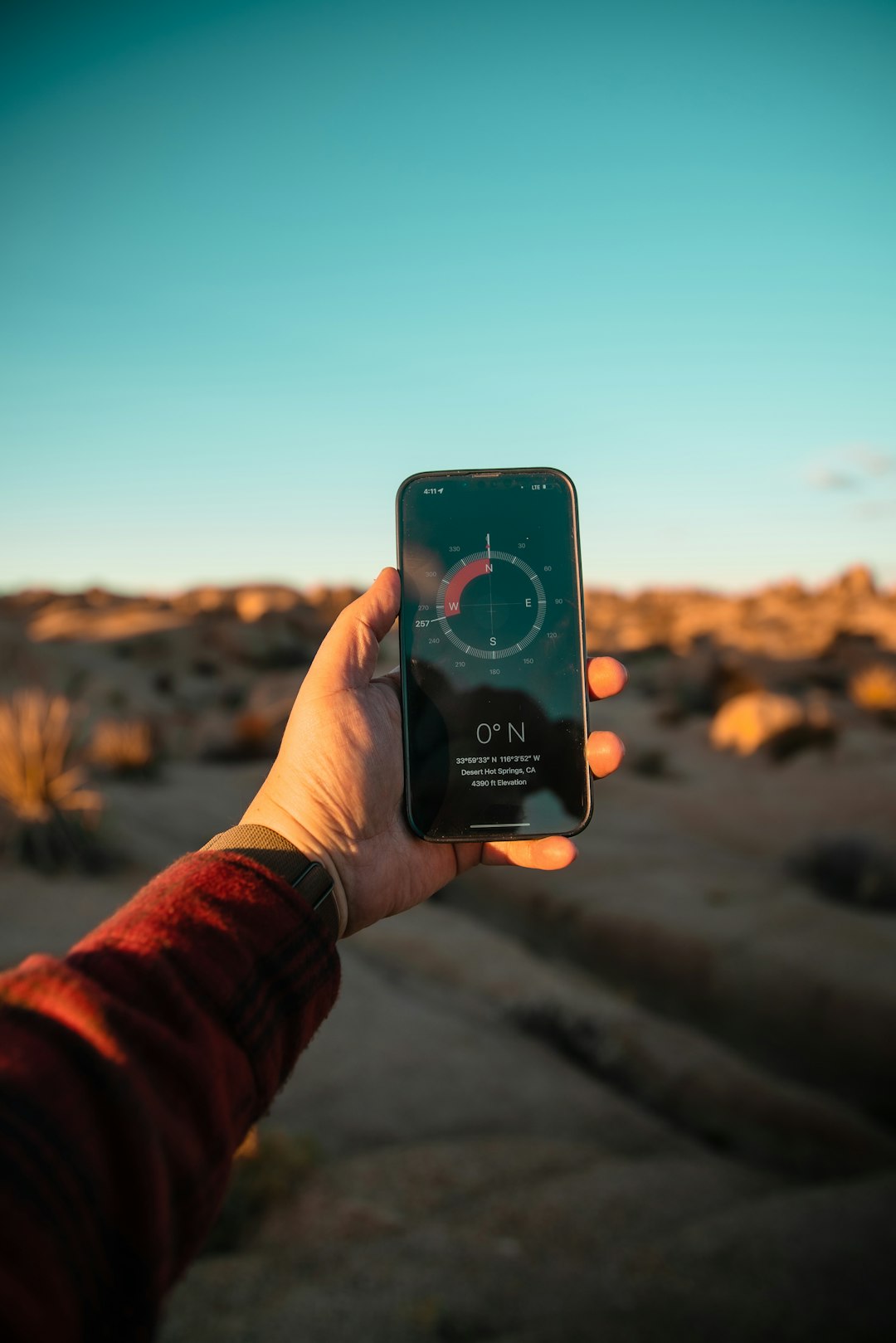
Waze shines when the driver is already moving. It combines route guidance, traffic reports, police alerts, road hazards, and user submitted gas prices. That makes it helpful during crowded holiday travel, when a station that looks close may require a painful left turn across traffic or a slow exit ramp.
Waze can sort gas stations by price, brand, and distance. That is a major benefit for long trips. A 20 cent difference per gallon can matter. For a 15 gallon fill up, that saves about $3. It is not life changing, but over a 600 mile holiday trip, small savings add up.
Waze also does a better job of showing how a fuel stop affects the trip. A station may be 0.8 miles away, but if traffic is jammed near the exit, the stop could add 12 minutes. Another station may be 2 miles farther but only add 5 minutes. That kind of real driving context is where Waze feels more practical.
Honestly, it feels like Waze makes drivers tap around more than necessary when all they want is one reliable open station. Still, for fuel prices and traffic aware routing, it is hard to beat.
Where Waze Works Well
- Finding cheaper gas: User submitted prices often appear clearly.
- Avoiding slow exits: Traffic data helps estimate the real delay.
- Staying on route: Waze favors stops that fit the trip path.
- Seeing road alerts: Accidents, hazards, and police reports appear quickly.
The weak point is business detail. Waze may show a gas station, but it is not always as helpful for store hours, restroom info, photos, or recent customer comments. On holidays, that missing detail can matter.
Accuracy: Which App Is More Reliable?
For a holiday gas station search, accuracy has two parts: is it open and is it worth driving to.
Google Maps usually wins the first part. It pulls from business profiles, owner updates, web data, and user reports. A station owner may update holiday hours directly on Google. That makes the listing more useful before a driver commits to the stop.
Waze often wins the second part. It shows how the stop fits real traffic. It can also show better fuel deals. If the driver is already low on gas, though, the cheapest option is not always the best option. The closest confirmed open station is safer.
A practical rule works well:
- Use Google Maps first to search “gas station near me” and apply “Open now.”
- Check the listing for holiday warnings, recent reviews, and store hours.
- Call the station if the tank is very low or the trip is late at night.
- Use Waze next to compare traffic delays and fuel prices.
- Pick the stop that is open, easy to reach, and not wildly overpriced.
Best App by Holiday Situation
| Situation | Better App | Why |
|---|---|---|
| Need the closest open station | Google Maps | Better hours, phone numbers, and business details |
| Need cheapest gas on a trip | Waze | Clearer fuel price comparison and route impact |
| Need bathrooms or food | Google Maps | Photos, reviews, and amenity clues help more |
| Driving through traffic | Waze | Live road reports and delays are stronger |
| Late night holiday travel | Both | Check hours in Google, then route with Waze |
Tips for Finding an Open Gas Station Faster
Drivers can reduce wasted time with a few simple checks. First, the station should have recent activity. A review from last week is more useful than one from two years ago. Second, the driver should check whether the listing says the store is open or only the pumps are available. Third, stations near interstates, truck stops, airports, and major travel corridors are more likely to keep longer holiday hours.
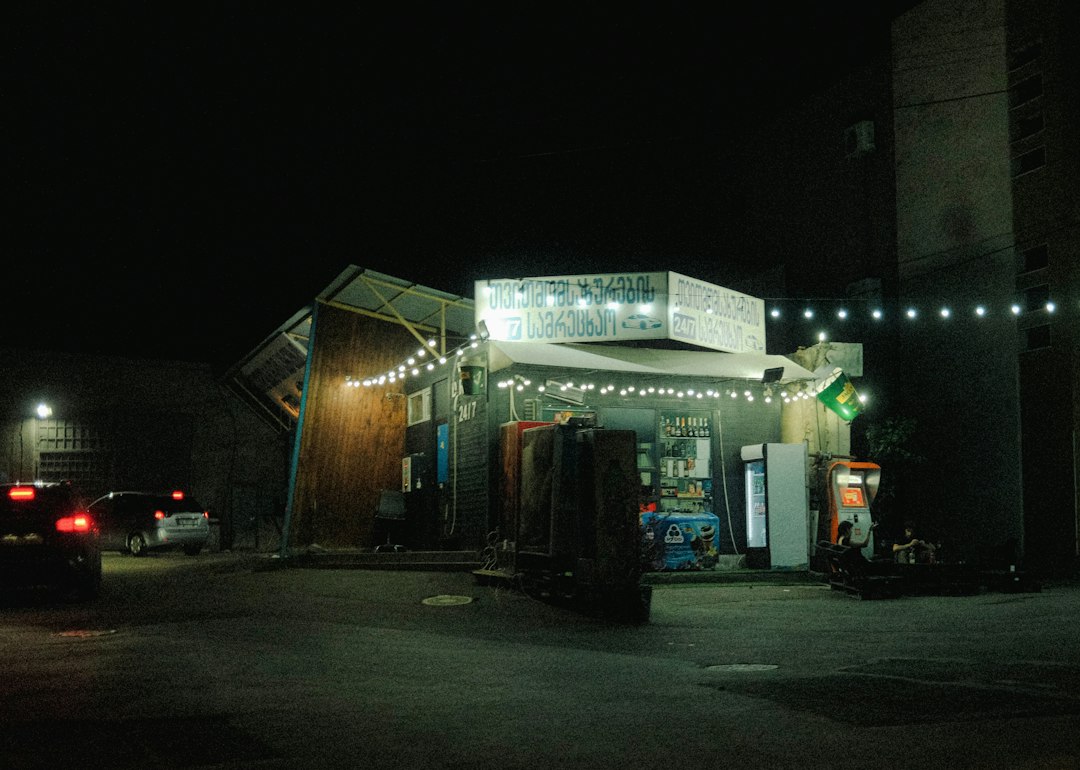
It also helps to search for specific brands. Large chains and travel centers often have more reliable holiday staffing than small independent stations. Searches such as “24 hour gas near me”, “truck stop near me”, or “gas station open Christmas near me” can produce better results than a broad search.
The best answer is simple: Google Maps is better for proof that a holiday gas station is open, while Waze is better for choosing the smartest stop while driving. A careful driver uses both, especially when the fuel gauge is low and every wrong turn feels expensive.
FAQ
Is Google Maps or Waze better for finding open gas stations on holidays?
Google Maps is usually better for finding open gas stations because it shows hours, holiday notices, phone numbers, photos, and reviews. Waze is better for traffic and fuel prices once the driver is on the road.
Are holiday hours on Google Maps always correct?
No. Google Maps is helpful, but holiday hours can be wrong. Drivers should call the station when traveling late at night, in rural areas, or with a nearly empty tank.
Does Waze show gas prices?
Yes. Waze often shows user submitted gas prices. The prices can be useful, but they may not always match the pump, especially during busy holiday periods.
What is the fastest way to find a gas station open now?
The fastest method is to search “gas station near me” in Google Maps, use the Open now filter, check the latest listing details, then use Waze to see which stop adds the least driving time.
Can a gas station be open if the store is closed?
Yes. Some stations keep pay at pump service active while the convenience store is closed. That helps fuel-only stops, but it will not help drivers who need bathrooms, food, or staff assistance.