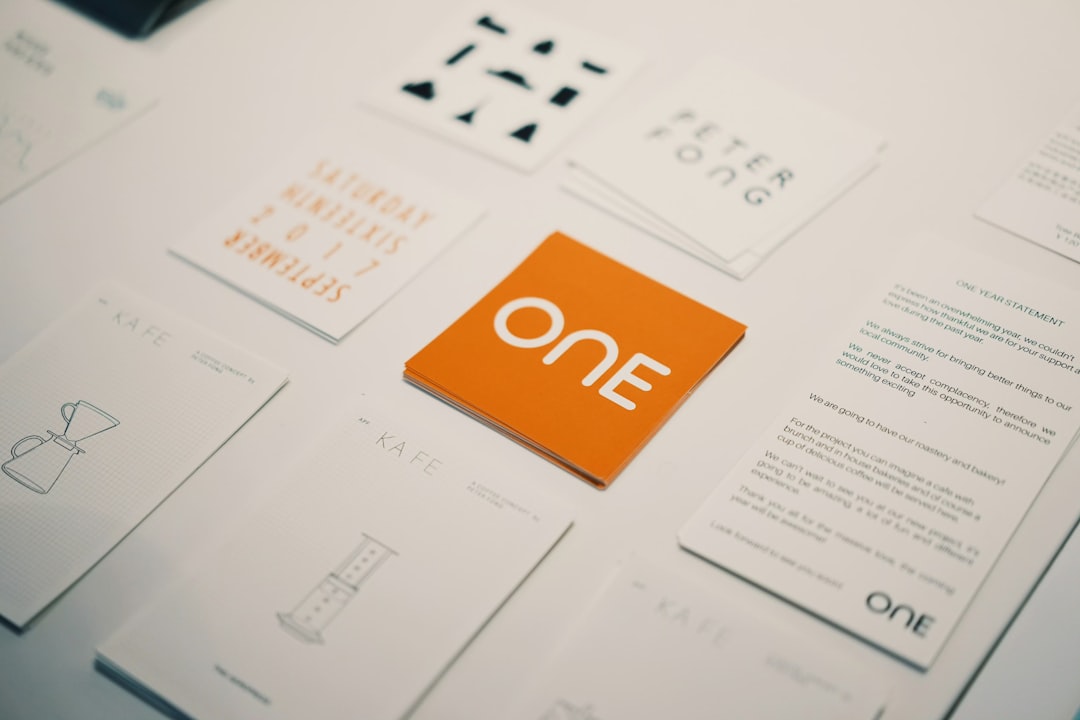

QR codes have moved from novelty to everyday utility, appearing on menus, product packaging, event posters, business cards, invoices, storefront displays, and digital campaigns. A reliable QR code generator helps organizations turn links, contact details, payment pages, app downloads, forms, and promotional content into scannable experiences. When paired with thoughtful design, a QR code can do more than transfer information; it can support branding, improve engagement, and make offline materials measurable.
TLDR: A QR code generator creates scannable codes that connect printed or digital materials to online destinations. The best tools offer customization, tracking, dynamic editing, high-resolution downloads, and error correction. Effective QR code design requires strong contrast, adequate quiet space, clear placement, and a compelling call to action. Before publishing, every QR code should be tested on multiple devices and in real-world conditions.
What a QR Code Generator Does
A QR code generator is a tool that converts data into a two-dimensional barcode readable by smartphone cameras and scanning apps. The data may be a website URL, Wi-Fi login, email address, phone number, digital business card, map location, coupon, calendar event, PDF, or payment link. Once scanned, the code directs the user to the intended action or information.
There are two common types of QR codes: static and dynamic. A static QR code stores fixed information directly in the code. If the destination changes, the code must be recreated and reprinted. A dynamic QR code uses a redirect link, allowing the destination to be edited later without changing the printed pattern. For marketing campaigns, packaging, and long-term materials, dynamic QR codes are usually more practical.
Popular Uses for QR Codes
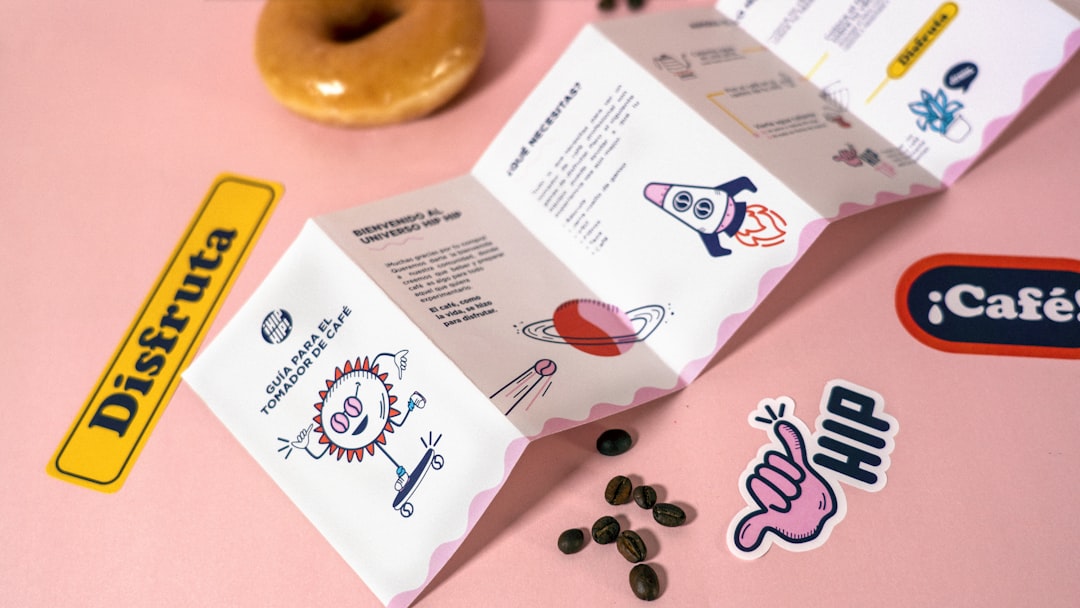
QR codes are useful because they reduce friction. Instead of typing a long URL or searching for a brand online, a person can scan and act immediately. This makes them valuable across several industries and everyday situations.
- Restaurants: Digital menus, ordering systems, loyalty programs, and customer feedback forms.
- Retail: Product details, discount codes, reviews, warranties, and instructions.
- Events: Ticket validation, schedules, venue maps, speaker profiles, and registration forms.
- Real estate: Property listings, virtual tours, agent contact details, and appointment booking pages.
- Education: Course materials, attendance forms, resource libraries, and campus navigation.
- Healthcare: Appointment forms, patient instructions, clinic directions, and informational pages.
- Business networking: Digital business cards, portfolios, LinkedIn profiles, and contact saving links.
Key Features to Look for in QR Code Generator Tools
Not every QR code generator offers the same level of flexibility or reliability. A simple free tool may be enough for a one-time personal code, while a business campaign often requires more advanced features. Before choosing a tool, a company should consider what the code needs to do, how long it must remain active, and whether performance data is necessary.
1. Static and Dynamic Code Options
A strong generator should clearly distinguish between static and dynamic QR codes. Static codes are suitable for permanent information, such as plain text or a stable URL. Dynamic codes are better for campaigns, printed collateral, packaging, and any use case where links may need to change later.
2. Custom Design Controls
Design customization helps a QR code match a brand identity. Good tools allow users to adjust colors, corner shapes, patterns, frames, and calls to action. Some also support adding a logo to the center of the code. However, design should never sacrifice scan reliability.
3. High-Resolution Export Formats
Professional projects require clean exports. A QR code generator should offer file types such as PNG, SVG, PDF, or EPS. Vector formats are especially useful for print because they can be resized without losing sharpness.
4. Scan Analytics
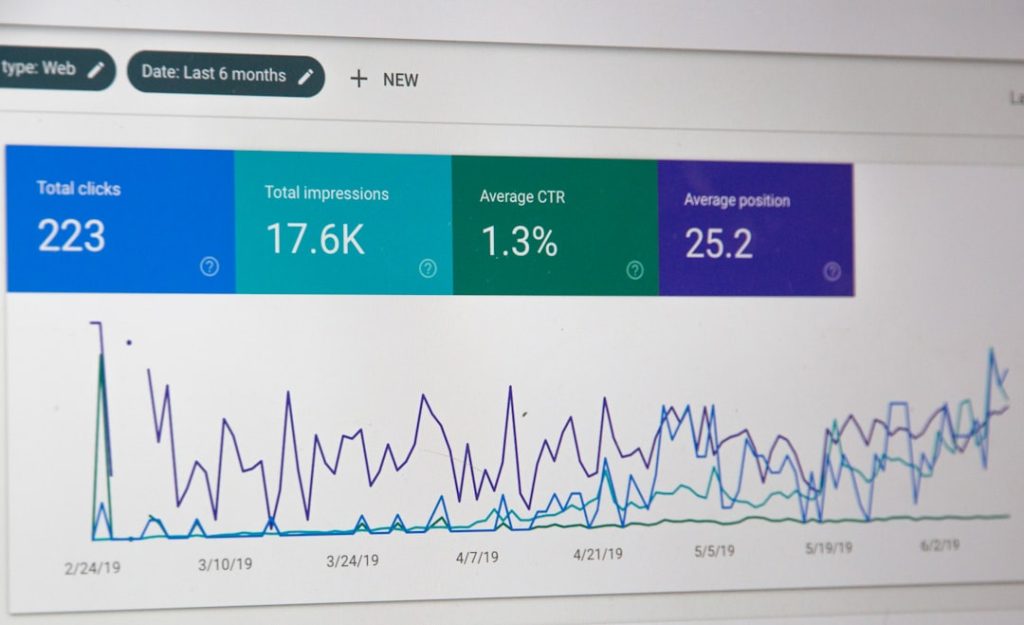
For marketing teams, analytics can reveal when, where, and how often a QR code is scanned. Dynamic QR platforms may show scan count, device type, location, date, and time. This data helps businesses compare campaigns, optimize placements, and measure return on investment.
5. Security and Reliability
Because QR codes often direct users to web pages, trust matters. A reputable tool should support secure links, stable redirects, and privacy-conscious analytics. Brands should avoid suspicious generators that insert unwanted ads, redirect traffic unexpectedly, or limit access after printing unless a paid plan is activated.
Design Tips for Effective QR Codes
Although QR codes are technical objects, their success depends heavily on design. A code must be visible, understandable, and easy to scan. Decorative choices should support the user experience rather than make the code difficult for cameras to read.
Use Strong Contrast
The safest QR code design uses a dark pattern on a light background. Black on white remains the most reliable combination, but brand colors can work when contrast is high. Pale colors, gradients, and low-contrast combinations may look stylish but can reduce scan accuracy.
Preserve the Quiet Zone
Every QR code needs empty space around it, known as the quiet zone. This margin helps scanners recognize where the code begins and ends. Designers should avoid placing text, images, borders, or decorative elements too close to the code.
Choose the Right Size
The correct size depends on viewing distance. A QR code on a business card can be small, while one on a billboard must be much larger. As a general rule, printed QR codes should not be so small that the individual modules blur together. For most hand-held print materials, a minimum size of about 2 x 2 centimeters is often recommended.
Add a Clear Call to Action
A QR code performs better when people know what will happen after scanning. Phrases such as “Scan to view menu,” “Scan for 20% off,” or “Scan to register” give users a reason to act. Without context, a code may be ignored because the destination is unclear.
Keep the Destination Mobile Friendly
Most QR codes are scanned with smartphones, so the landing page should load quickly and display well on small screens. A slow, cluttered, or desktop-only page can waste the scan opportunity. The best QR code experience continues smoothly after the scan.
Avoid Overcrowding the Code
The more information stored in a static QR code, the denser the pattern becomes. Dense codes are harder to scan, especially when printed small. Using a short URL or a dynamic QR code can simplify the pattern and improve readability.
Logo and Branding Best Practices
Many brands place a logo in the center of a QR code to increase recognition. This can work well, but it must be done carefully. QR codes have built-in error correction, meaning a small portion of the code can be altered while remaining scannable. However, covering too much of the pattern may break functionality.
A logo should be centered, modest in size, and surrounded by enough contrast. Designers should avoid placing logos over the three large corner markers, as those are essential for scanning orientation. If the generator allows error correction settings, a higher level may provide more flexibility for branded designs.
Placement Tips for Printed and Digital Materials
Placement can determine whether a QR code is scanned or overlooked. On print materials, the code should appear where it is easy to notice and physically reachable. A code placed too low on a poster, too close to a fold, or on a curved package surface may be difficult to scan.
- Posters and signage: Place the code at eye level or within comfortable phone-scanning height.
- Packaging: Avoid seams, corners, reflective finishes, and heavily curved areas.
- Flyers: Pair the code with a short benefit-driven call to action.
- Business cards: Keep the design clean and ensure the code is large enough to scan.
- Digital screens: Display the code long enough for viewers to open their camera and scan.
Testing Before Launch
Testing is one of the most important steps in QR code production. A code should be scanned with multiple phones, operating systems, camera apps, and lighting conditions. For printed materials, a proof should be tested at the final size and on the final material whenever possible.
Glossy paper, textured surfaces, poor lighting, wrinkles, and curved packaging can all affect scan performance. If the code is part of an outdoor campaign, it should also be tested from realistic viewing distances. A QR code that works perfectly on a computer screen may not work equally well on a large sign or small label.
Common Mistakes to Avoid
- Using low contrast: Light colors on light backgrounds can make the code unreadable.
- Printing too small: Tiny codes may fail, especially on textured or absorbent paper.
- Forgetting the quiet zone: Crowded designs can interfere with scanning.
- Linking to non-mobile pages: A poor landing page reduces conversions.
- Not testing after design changes: Even minor edits can affect functionality.
- Using temporary links: Broken or expired URLs damage trust and waste printed materials.
How Businesses Can Measure QR Code Success
A QR code should not be treated as a decorative add-on. When used strategically, it can become a measurable bridge between offline and online engagement. Dynamic QR codes with analytics help a business track scan volume, peak engagement times, geographic interest, and campaign performance.
For deeper insights, marketers can use unique QR codes for different placements. A poster, flyer, product insert, and storefront sign may each receive a separate code leading to the same landing page. Comparing scan data helps identify which channel performs best. UTM parameters can also be added to URLs for tracking in web analytics platforms.
FAQ
What is a QR code generator?
A QR code generator is an online or software-based tool that converts information, such as a URL, contact card, menu, or payment link, into a scannable QR code.
Is a static or dynamic QR code better?
A static QR code is suitable for permanent information that will not change. A dynamic QR code is better for campaigns, printed materials, and business use because the destination can be updated later.
Can a QR code include a logo?
Yes, a QR code can include a logo if the design preserves scan reliability. The logo should be centered, not too large, and tested carefully before publication.
What is the best color for a QR code?
The most reliable option is a dark code on a light background. Brand colors may be used if there is enough contrast for smartphone cameras to read the pattern clearly.
How big should a printed QR code be?
The ideal size depends on scanning distance, but small printed materials often need a code of at least 2 x 2 centimeters. Larger formats, such as posters and signs, require larger codes.
Why is a QR code not scanning?
A QR code may fail because of low contrast, small size, missing quiet zone, poor print quality, glare, damage, or an incorrect link. Testing in real conditions usually reveals the problem.
Do QR codes expire?
Static QR codes generally do not expire as long as the stored information remains valid. Dynamic QR codes may depend on the generator service or subscription plan used to manage the redirect.
Can QR codes be tracked?
Dynamic QR codes can often be tracked through analytics. Businesses may monitor scan counts, locations, devices, and times to evaluate campaign performance.