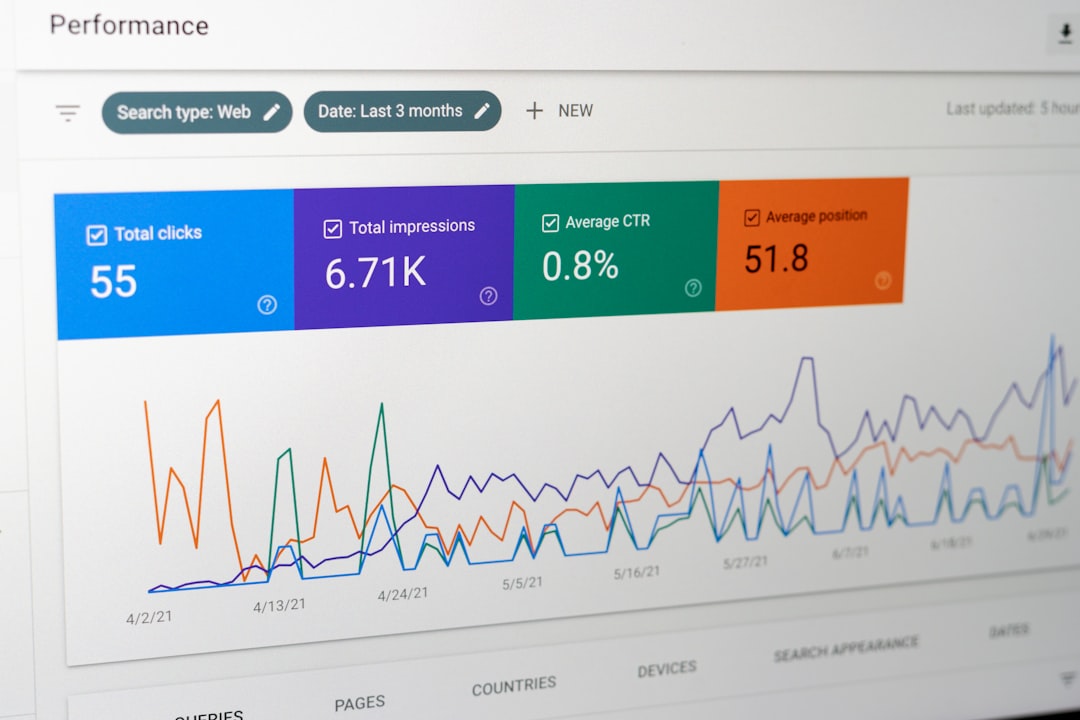

Metricool is best for teams, creators, and agencies that want one clear place to plan posts, track results, compare channels, and build reports without opening ten different tabs. It combines scheduling, analytics, automation, competitor tracking, ad reporting, and link-in-bio tools in a clean dashboard. If your social media process feels scattered, Metricool can bring order to the mess without making the tool itself feel heavy.
TLDR: Metricool helps you schedule content, study performance, automate recurring posts, and create client-ready reports from one platform. A small agency managing 8 client profiles could save 5 to 7 hours per week by using its calendar, auto-publishing, and PDF reports instead of pulling numbers manually from Instagram, LinkedIn, TikTok, and Facebook. For example, if Reels get 42% more reach than static posts in a 30-day report, Metricool makes that pattern easy to spot and act on. It is especially useful for people who care about both content planning and measurable results.
What Is Metricool?
Metricool is a social media management software built around three main jobs: planning content, measuring performance, and reporting results. It connects with major platforms such as Instagram, Facebook, TikTok, LinkedIn, X, YouTube, Pinterest, Twitch, Google Business Profile, and others, depending on your plan and current platform integrations.
The real value is not just posting from one tool. Plenty of apps do that. Metricool stands out because it shows what happened after the post went live. You can see growth, reach, clicks, engagement, best posting times, audience activity, and campaign results in one place.

Core Features at a Glance
- Content scheduling: Plan posts, videos, stories, reels, shorts, and updates across supported channels.
- Analytics dashboard: Track followers, impressions, reach, engagement, clicks, views, and interactions.
- Best time to post: Use audience activity data to publish when people are more likely to see your content.
- Automation tools: Set recurring content, import content lists, and use RSS feeds for repeat workflows.
- Competitor analysis: Compare your performance with selected profiles on supported networks.
- Reports: Export branded PDF or spreadsheet reports for clients, managers, or internal review.
- Ad tracking: Review campaign performance from connected ad platforms in the same reporting space.
- Link-in-bio tool: Create a simple landing page for Instagram, TikTok, or other profile links.
Scheduling: Build a Calendar That Does Not Fight You
Metricool’s planner is one of its strongest features. You can view everything in a calendar format, drag posts between dates, preview content, and adjust captions before publishing. This is useful for teams that need to plan campaigns across several platforms at once.
You can create a post once and adapt it for different channels. That matters because a LinkedIn post should not always sound like a TikTok caption. Metricool lets you customize text, media, hashtags, and timing by platform.
The best time to post feature is helpful because it uses your account data rather than generic advice. Instead of guessing that Tuesday at 10 a.m. is ideal, you can check when your own audience is active. Honestly, it feels like a relief when a tool stops pretending every brand has the same audience.
Analytics: See What Actually Works
Metricool’s analytics section gives you a direct view of performance. You can measure follower growth, impressions, reach, profile visits, link clicks, engagement rate, video views, comments, shares, and more. The available metrics change by network because each platform exposes different data.
The dashboard is useful for quick checks and deeper review. A content manager can see whether short videos are beating carousels. An ecommerce brand can check whether social traffic is rising after a campaign. A coach can see if LinkedIn posts are bringing more profile visits than Instagram posts.
One practical example: say your last 30 Instagram posts produced 120,000 impressions, but only 900 profile visits. That tells you visibility is decent, but the content may not be pushing people to act. If another batch gets 80,000 impressions and 1,600 profile visits, the smaller reach may still be more valuable.
Reporting: A Big Win for Agencies
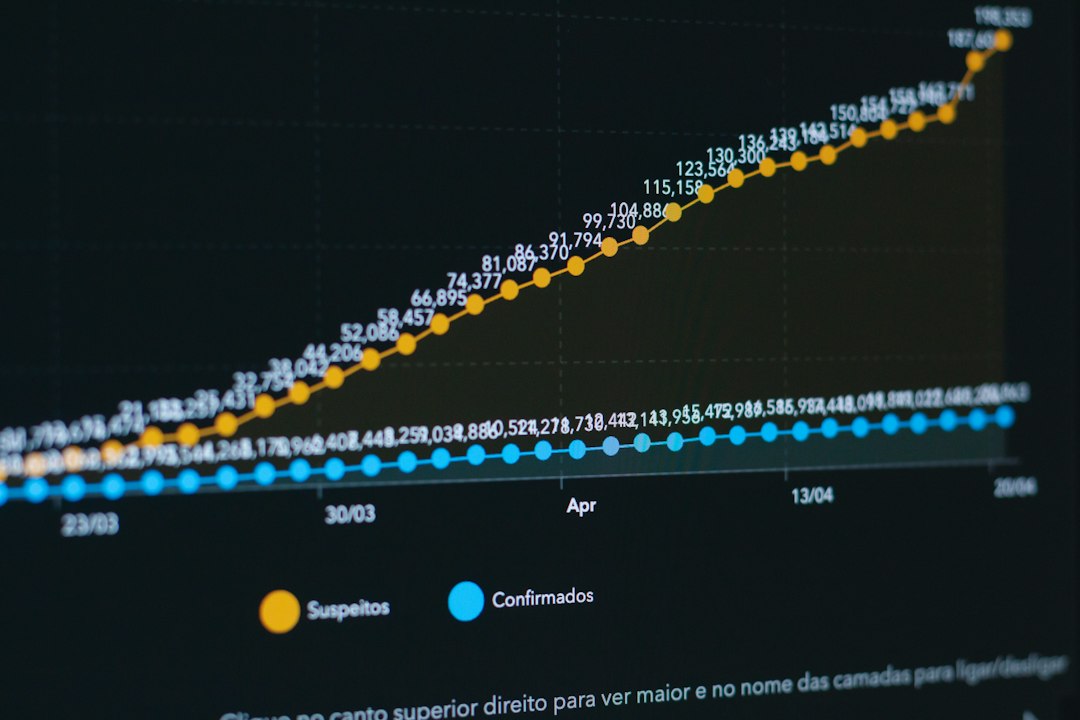
Reporting is where Metricool can save serious time. Native platform reports are scattered, limited, and annoying to format. It drives me crazy that grabbing the same numbers from four platforms can turn into a 45-minute task before any real analysis even starts.
With Metricool, you can create reports that include key social media metrics, ad results, top posts, growth trends, and engagement data. Agencies can add branding and send reports to clients without rebuilding slides every month.
Good reports should answer simple questions:
- What grew? Followers, reach, views, clicks, or conversions.
- What dropped? Engagement, posting consistency, watch time, or traffic.
- What content worked? Top posts, best formats, best topics, and best days.
- What should change? More video, fewer sales posts, better hooks, or stronger calls to action.
Automation: Useful, but Use It Carefully
Metricool includes automation features that help reduce repetitive posting tasks. You can use content lists, recurring posts, and RSS-based publishing. This suits blogs, podcasts, news brands, and businesses that share evergreen content.
Automation is powerful, but it should not make your account feel robotic. Reposting the same caption too often can hurt trust. A better approach is to build a library of evergreen posts, rotate them with fresh captions, and review performance every month.
For example, a fitness studio could create 20 recurring posts for class reminders, trainer tips, testimonials, and membership offers. If those posts fill two slots per week, the team still has room for live updates, event photos, and trend-based content.
Competitor Tracking and Benchmarking
Metricool can monitor competitor profiles on supported platforms. This helps you compare posting frequency, engagement, audience growth, and top-performing content. It is not about copying competitors. It is about spotting gaps.
If a competitor posts three TikToks per week and gets a 6% engagement rate while you post once and get 2%, that is a signal. Maybe their hooks are sharper. Maybe they use stronger visuals. Maybe they answer customer questions better. Metricool gives you the clues, but you still need judgment.
Ads and Campaign Tracking
Metricool also supports ad analytics for connected advertising accounts. This gives marketers a broader picture of paid and organic performance. You can compare campaign spend, impressions, clicks, conversions, and cost metrics, depending on the channel and setup.
This is handy when a campaign uses both organic posts and paid promotion. If a product launch gets strong organic engagement but weak ad clicks, the issue may be the audience, creative, landing page, or offer. Seeing both sides together makes the review faster.
Who Should Use Metricool?
- Freelancers: Manage several client accounts without drowning in browser tabs.
- Small businesses: Plan posts ahead and track which channels bring attention.
- Agencies: Create monthly reports and compare client performance.
- Creators: Find best posting times and understand which content formats grow fastest.
- Marketing teams: Align paid, organic, and reporting workflows in one place.

Possible Drawbacks
Metricool is strong, but it is not perfect. Some publishing options depend on social network rules, so not every format can be posted in the same way across every platform. Advanced teams may still need platform-native tools for certain community management tasks, deep ad setup, or complex approval systems.
There can also be a short learning period. The interface is clean, but the number of metrics may feel like a lot at first. Start with five numbers: reach, engagement rate, clicks, follower growth, and top posts. Add more once the basics are clear.
Tips for Getting Better Results with Metricool
- Plan weekly, review monthly: Use the calendar for execution and reports for decisions.
- Track formats separately: Compare reels, carousels, static posts, shorts, and text posts.
- Use best-time data: Test recommended time slots for at least 30 days.
- Tag campaigns manually: Keep product launches, events, and promotions easy to measure.
- Do not automate everything: Leave space for timely, human content.
Final Verdict
Metricool is a practical social media management platform for people who want planning and analytics in the same workflow. Its strongest areas are scheduling, reporting, performance tracking, and competitor review. It helps turn social media from a daily guessing game into a repeatable process.
If you manage more than one channel, Metricool can cut busywork and make your results easier to understand. The best use of it is simple: schedule with intent, measure what happens, adjust your content, and repeat. That is how social media management gets calmer, sharper, and far less chaotic.