
Pick the app your team will actually open every day. That is the real winner. Fancy charts mean nothing if tasks rot in silence. Teams already lose time to “work about work,” which Asana has reported can take up 58% of the workday [source: Asana].
TLDR: For simple task tracking, pick Trello or Asana. For heavier workflows, try Monday.com, ClickUp, Wrike, or Jira. If a 12-person team cuts one 25-minute status meeting each week, that saves 5 team hours right away. Example: a small content team can use Asana for tasks, due dates, approvals, and weekly reports without making everyone cry.

Quick comparison
| Tool | Best for | Reporting | Easy to learn? |
|---|---|---|---|
| Asana | Clean task tracking | Good | Yes |
| Trello | Simple boards | Basic | Very yes |
| Monday.com | Visual workflows | Strong | Mostly |
| ClickUp | All-in-one work hub | Strong | Not at first |
| Jira | Software teams | Very strong | Nope, not really |
| Notion | Docs plus tasks | Light | Yes, with setup |
| Basecamp | Calm client work | Light | Yes |
| Wrike | Operations and agencies | Strong | Medium |
1. Asana
Asana is great when tasks need owners, dates, and clear handoffs. You can view work as a list, board, timeline, or calendar. That helps different brains stay happy.
- Task tracking: Very clear.
- Team collaboration: Comments, files, approvals, and updates.
- Workflows: Good rules and templates.
- Reporting: Dashboards are easy to read.
Small gripe: Big workspaces can get messy fast if no one cleans old projects. Expect “Wait, which Asana project is the real one?” at least once.
2. Trello
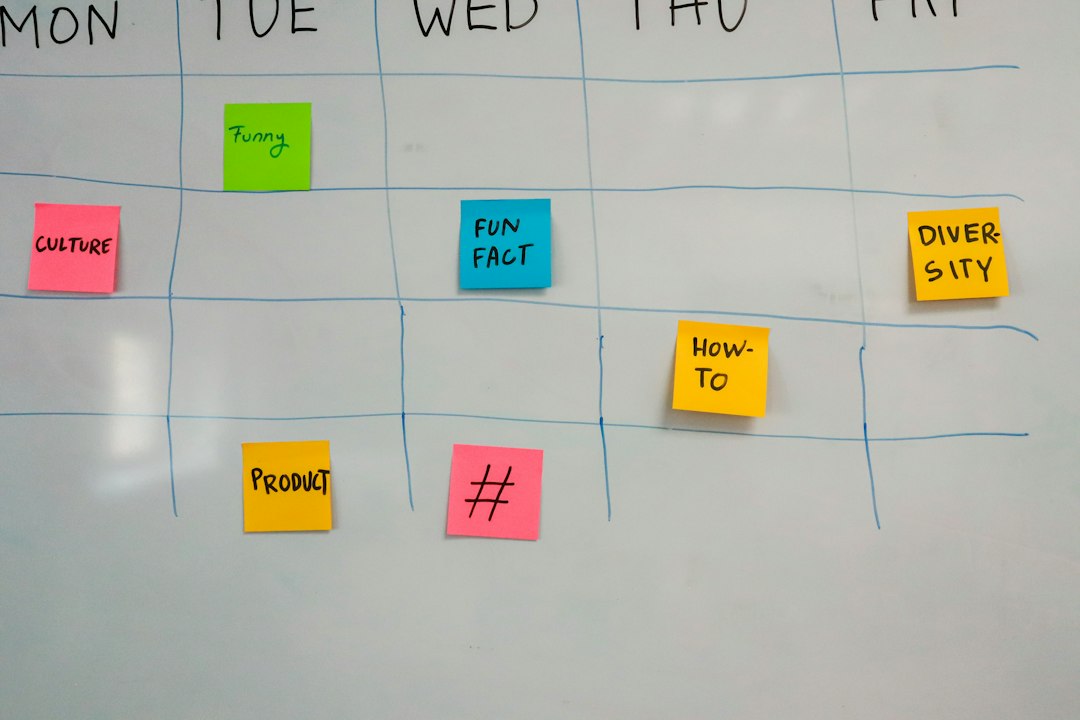
Trello is the sticky-note wall of project apps. Cards move across columns like To Do, Doing, and Done. It is simple. That is the charm.
Use it for small teams, personal planning, content calendars, or light client work. Reporting is not its superpower. You can add power-ups, but then the clean little board starts wearing too many hats.
3. Monday.com
Monday.com is bright, visual, and very flexible. It handles tasks, forms, automations, workload views, and status reports. It feels friendly, which helps teams adopt it.
The catch is that setup choices pile up. Boards, columns, views, dashboards, automations. Suddenly you are not managing work. You are managing Monday.com. Still, for teams that like color-coded control, it is a strong pick.
4. ClickUp
ClickUp tries to do almost everything. Tasks, docs, goals, whiteboards, chat, time tracking, dashboards. If your team wants one place for many work types, this is tempting.
- Best part: Tons of features for the price.
- Worst part: Tons of features. Yes, both are true.
- Best use: Teams that enjoy tweaking systems.
Honestly, it feels like opening a toolbox and finding 900 tiny drawers. Powerful? Yes. Peaceful? Not always.
5. Jira
Jira is made for software teams. It shines with sprints, bugs, backlogs, releases, and developer workflows. Agile teams often use it because it gives deep control over tickets and progress.
Reporting is excellent. Burnup charts, burndown charts, velocity, cycle time, and more. Atlassian explains Jira’s scrum and kanban support in detail [source: Atlassian].
But Jira can feel heavy. For a small marketing team, it may be like using a forklift to move a sandwich.
6. Notion
Notion is part wiki, part database, part task list. It is best when your team needs docs and tasks together. Think meeting notes, campaign plans, research, and project boards in one space.
Its flexibility is lovely. It is also the problem. Two people may build the same tracker in totally different ways. Reporting is lighter than tools like Wrike or Monday.com, unless you build custom views.
7. Basecamp
Basecamp is calm. That is rare. It gives you message boards, to-dos, schedules, docs, file sharing, and client-friendly project spaces.
It does not chase every fancy feature. No complex dashboards. No wild automation maze. This makes it great for service teams that want fewer meetings and fewer “where is that file?” moments.
It is not ideal for technical teams that need deep task links, dependencies, or complex reporting.
8. Wrike
Wrike is a serious tool for teams with lots of moving parts. Agencies, operations teams, and larger departments may like it. It supports requests, approvals, workload planning, time tracking, dashboards, and custom workflows.
Reporting is a strong point. Managers can see what is late, who is overloaded, and which projects are drifting. The setup can take time, though. It is not the fastest tool for a tiny team that just wants a checklist.
Best picks by use case
- Best simple board: Trello.
- Best balanced tool: Asana.
- Best visual operations hub: Monday.com.
- Best feature-packed option: ClickUp.
- Best for software teams: Jira.
- Best for docs plus tasks: Notion.
- Best low-stress client work: Basecamp.
- Best for heavy reporting: Wrike.
How to choose without losing your mind
Start with your pain. Not the feature list. If deadlines slip, pick a tool with strong views and reminders. If updates vanish in chat, pick one with comments and project pages. If bosses need numbers, pick strong dashboards.
Then test with one real project. Give it two weeks. Track three things: tasks finished, messages reduced, and meetings skipped. If the app saves time and people still use it, keep it. If everyone avoids it, dump it. The best project management app is the one that makes work clearer, not louder.