DaVinci Resolve is the best MoviePlus replacement for most editors, but Shotcut, Kdenlive, Filmora, and Adobe Premiere Elements all make sense for different kinds of projects. Serif’s MoviePlus is now part of its legacy software family, so anyone building fresh projects should move to an editor with current updates and format support [source: Serif].
TLDR: If you miss MoviePlus for its simple timeline and quick effects, start with DaVinci Resolve or Filmora. Resolve is best if you want serious color tools, audio work, and room to grow. Filmora is faster for casual edits, such as turning 30 minutes of vacation clips into a polished 3-minute video with titles, music, and transitions in under an hour. For free open-source editing, Shotcut and Kdenlive are the strongest picks.
Why Move On From MoviePlus?
MoviePlus had a loyal crowd because it felt direct. Drop clips on a timeline. Trim. Add titles. Export. Done. The problem is support. New cameras, codecs, GPUs, and operating systems keep changing. Old editors often choke on phone footage, 4K files, or newer audio formats.
That gets old fast. It drives me crazy when a basic import turns into a codec hunt. A good replacement should give you a clear timeline, stable exports, creative effects, and enough control without forcing you to study a manual for three weekends.
1. DaVinci Resolve: Best Overall MoviePlus Alternative
Best for: YouTubers, short films, client work, color correction, music videos.
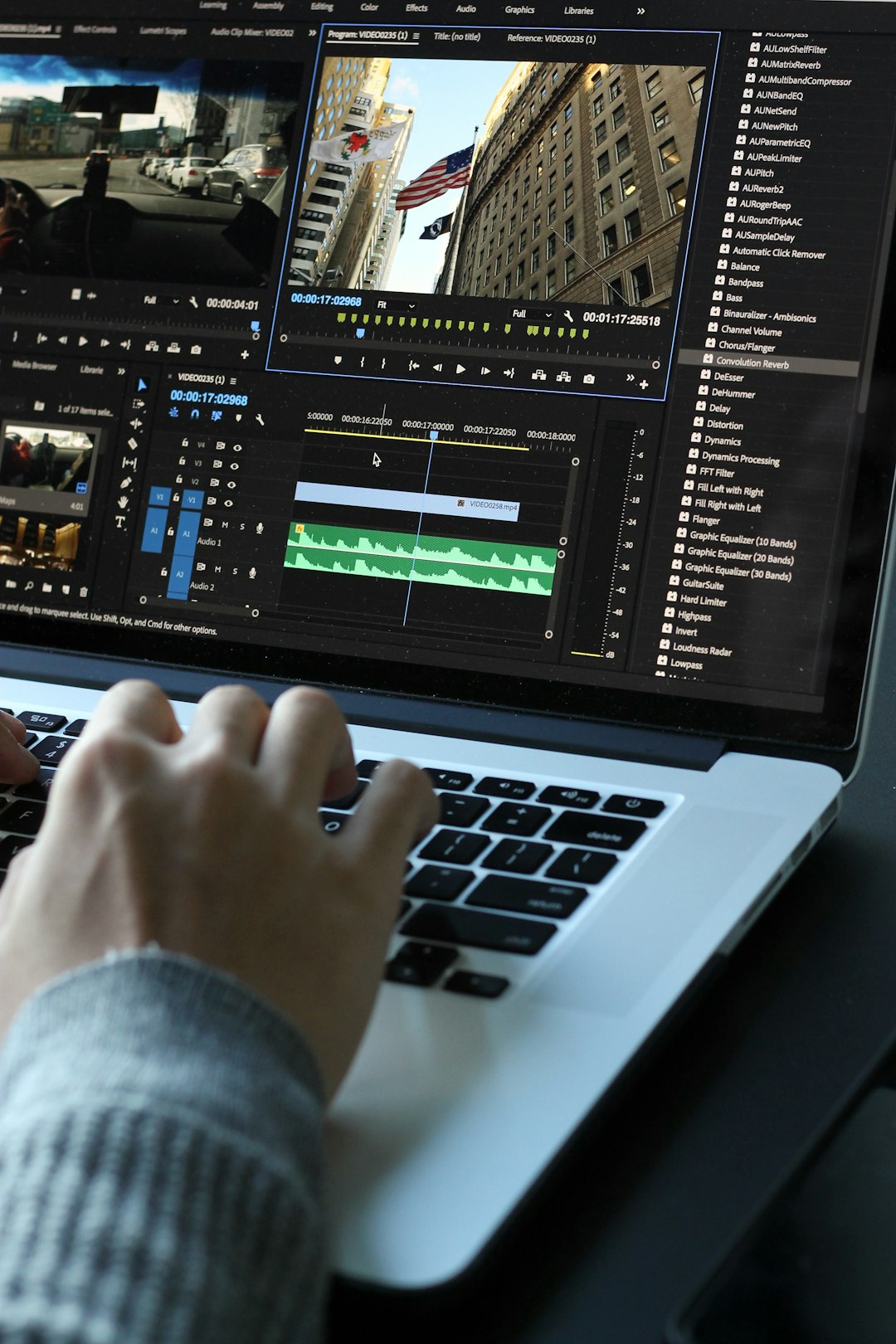
DaVinci Resolve is the strongest step up from MoviePlus. It has a proper timeline, multi-track editing, trimming tools, motion effects, titles, audio mixing, and some of the best color tools available in any editor. The free version is shockingly capable, which makes it hard to ignore.
- Pros: Excellent color grading, strong audio tools, advanced effects, free version available.
- Cons: Needs a decent computer, interface can feel heavy at first.
- Choose it if: You want one editor that can handle simple cuts today and serious projects later.
The catch is that Resolve can feel oversized if you only want to trim family clips. Still, once you learn the Cut and Edit pages, it becomes quick. For creators who want growth without paying right away, this is the easy first pick.
2. Shotcut: Best Free Simple Timeline Editor
Best for: Basic edits, screen recordings, quick web videos, users who hate subscriptions.
Shotcut feels closer to the MoviePlus spirit. It is free, open-source, and built around a clean timeline. You can cut clips, stack video tracks, add filters, use keyframes, and export in many formats.
- Pros: Free, light, wide format support, no account needed.
- Cons: Fewer polished templates, effects can feel plain.
- Choose it if: You want simple editing without ads, watermarks, or payment nags.
Shotcut is not flashy. That is part of the appeal. It opens fast and gets out of the way. If your projects are mostly talking-head clips, tutorials, slideshows, or social posts, Shotcut is more than enough.
3. Kdenlive: Best Open-Source Choice for Creative Control
Best for: Linux users, hobby filmmakers, multi-track edits, open-source fans.
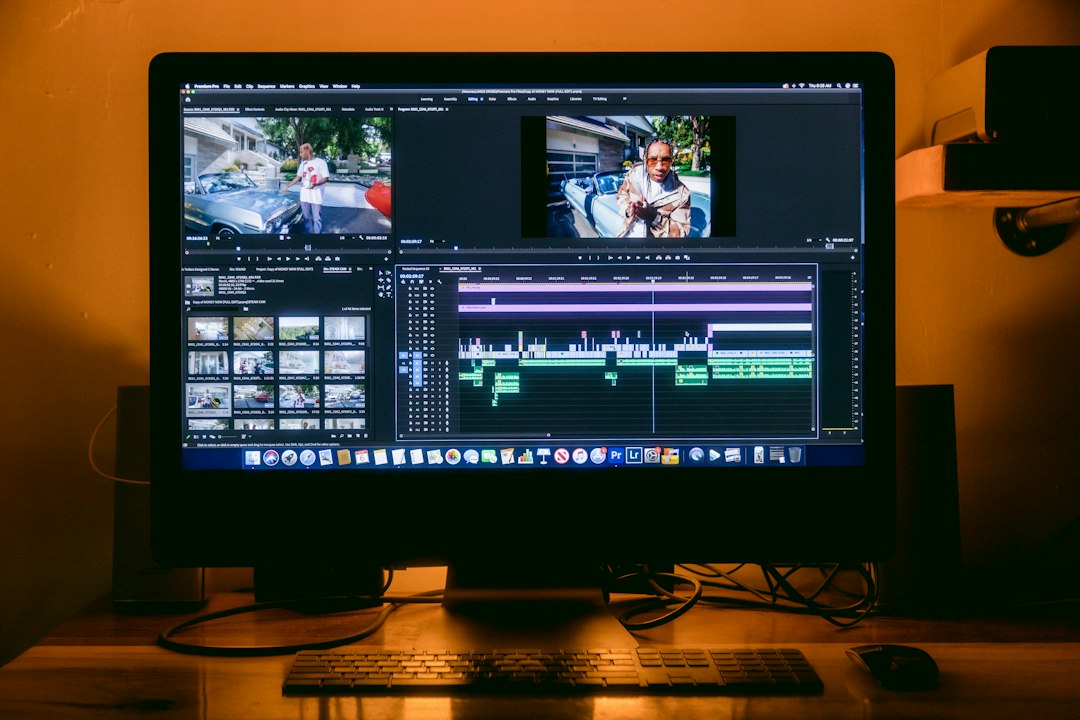
Kdenlive is another free editor, but it has a more ambitious feel than Shotcut. It supports proxy editing, effects, transitions, audio tools, and multi-track timelines. It is especially popular with Linux users, though Windows builds are available too.
- Pros: Free, strong timeline tools, proxy workflow, active community.
- Cons: Occasional quirks, interface takes time to arrange well.
- Choose it if: You want a no-cost editor with deeper timeline control.
Expect to waste time on layout tweaks at first. Some panels feel oddly placed until you customize them. After that, Kdenlive becomes a capable workhorse for short films, event videos, and longer YouTube edits.
4. Wondershare Filmora: Best for Fast Creative Projects
Best for: Social media clips, family videos, school projects, quick promos.
Filmora is the easiest MoviePlus alternative for users who want results fast. It has a friendly timeline, built-in effects, music, stickers, transitions, text presets, and a smoother learning curve than pro tools.
- Pros: Easy to learn, many templates, quick exports, good for short content.
- Cons: Paid features add up, less precise than pro editors.
- Choose it if: You want polished videos without building every effect from scratch.
Filmora is not the editor I would pick for complex film edits. For a birthday montage, product reel, TikTok batch, or simple business promo, it works well. The built-in assets save time, which is useful when the footage is messy and the deadline is tonight.
5. Adobe Premiere Elements: Best Guided Editor for Home Projects
Best for: Home movies, family archives, beginner editors, photo-video projects.
Adobe Premiere Elements sits between casual editors and pro software. It offers guided edits, effects, titles, transitions, and a familiar timeline. It is less intense than Premiere Pro, which makes it easier for people moving from MoviePlus.
- Pros: Guided tools, clean workflow, good organization features, no need for pro skills.
- Cons: Not as flexible as Resolve, not ideal for advanced work.
- Choose it if: You want help while editing and prefer a traditional desktop program.
Premiere Elements is strongest when you need hand-holding. It is good for trimming old camcorder files, making holiday videos, and adding simple motion titles. It will not feel as modern as some newer tools, but it is steady and easy to understand.
Quick Buying Guide
- Pick DaVinci Resolve if you want the best long-term editor and do not mind learning.
- Pick Shotcut if you want free, simple, practical editing.
- Pick Kdenlive if you want free editing with more timeline power.
- Pick Filmora if templates and speed matter most.
- Pick Premiere Elements if you want guided steps and a gentle learning curve.
The best MoviePlus alternative depends on your patience, budget, and project type. For most people, DaVinci Resolve is the smartest pick because it can grow with you. If you just want to cut clips without fuss, Shotcut is the cleaner choice. If speed and ready-made style matter more than deep control, Filmora gets you finished faster.