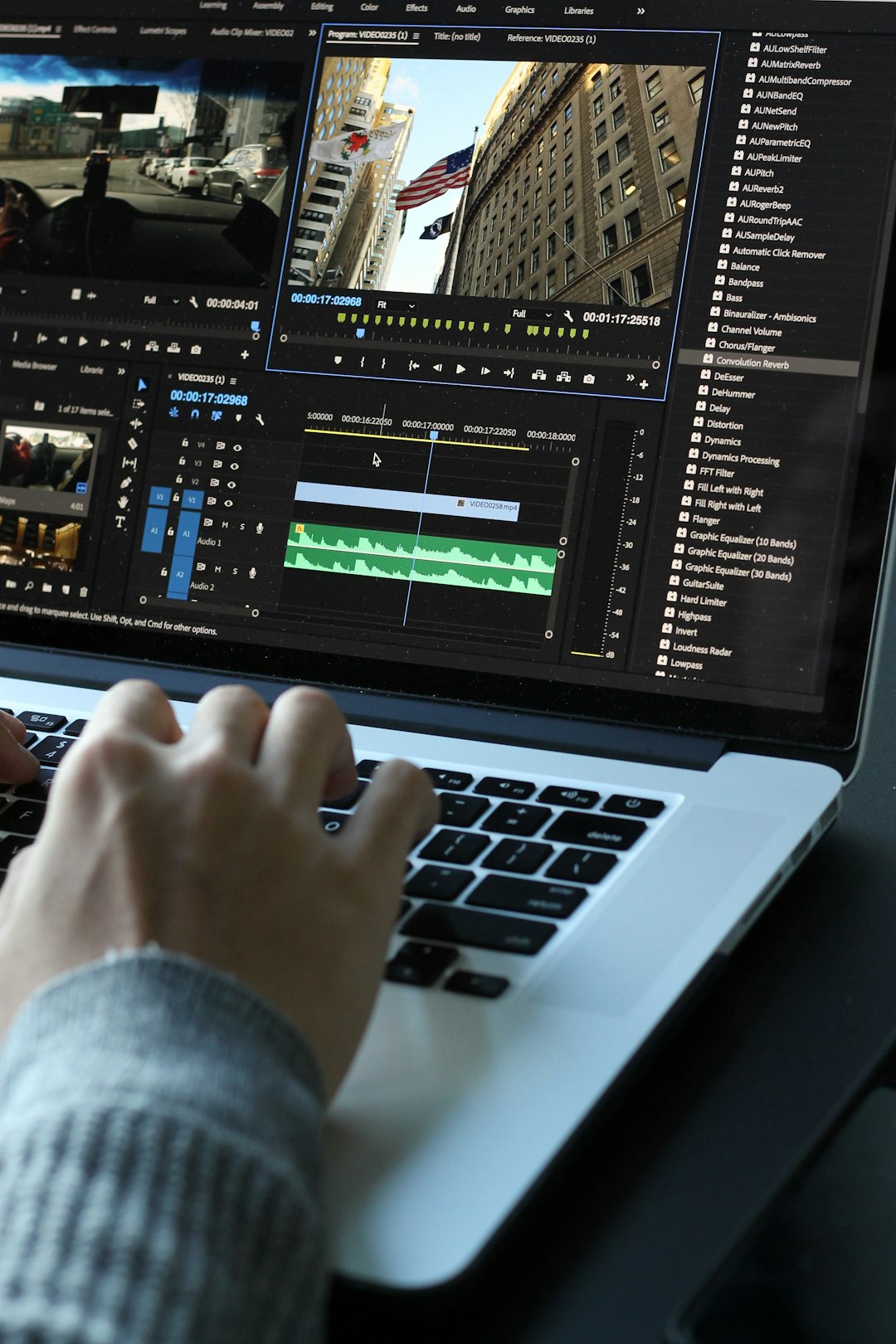

An HD video encoder turns raw camera or production video into a compressed stream that can be recorded, broadcast, or sent over IP networks without crushing bandwidth. The best encoder choice depends on the codec, target bitrate, resolution, latency needs, and delivery protocol. A poor setup can make clean 1080p video look soft, blocky, or delayed, even when the camera feed is excellent.
TLDR: An HD video encoder compresses large video signals into manageable streams using codecs such as H.264 or H.265, then sends them through protocols such as HLS, RTMP, SRT, or MPEG TS. For example, a 1080p60 sports feed may start as more than 3 Gbps of raw video but can be encoded to about 6 to 12 Mbps for high-quality streaming. In a small broadcast case, replacing a software encoder with a dedicated hardware encoder can cut stream failures by 30% or more when network conditions are unstable.
What an HD Video Encoder Does
An HD video encoder receives input from a camera, switcher, media player, or graphics system. Common inputs include HDMI, SDI, IP video sources, and sometimes USB. The encoder analyzes the video, compresses it, packages it, and sends it to a server, CDN, decoder, or recording system.
Without encoding, HD video is huge. A raw 1080p60 signal can demand gigabits per second. Most internet connections, broadcast links, and storage systems cannot handle that for long. Encoding reduces the data rate while trying to preserve sharp edges, clean motion, color accuracy, and audio sync.
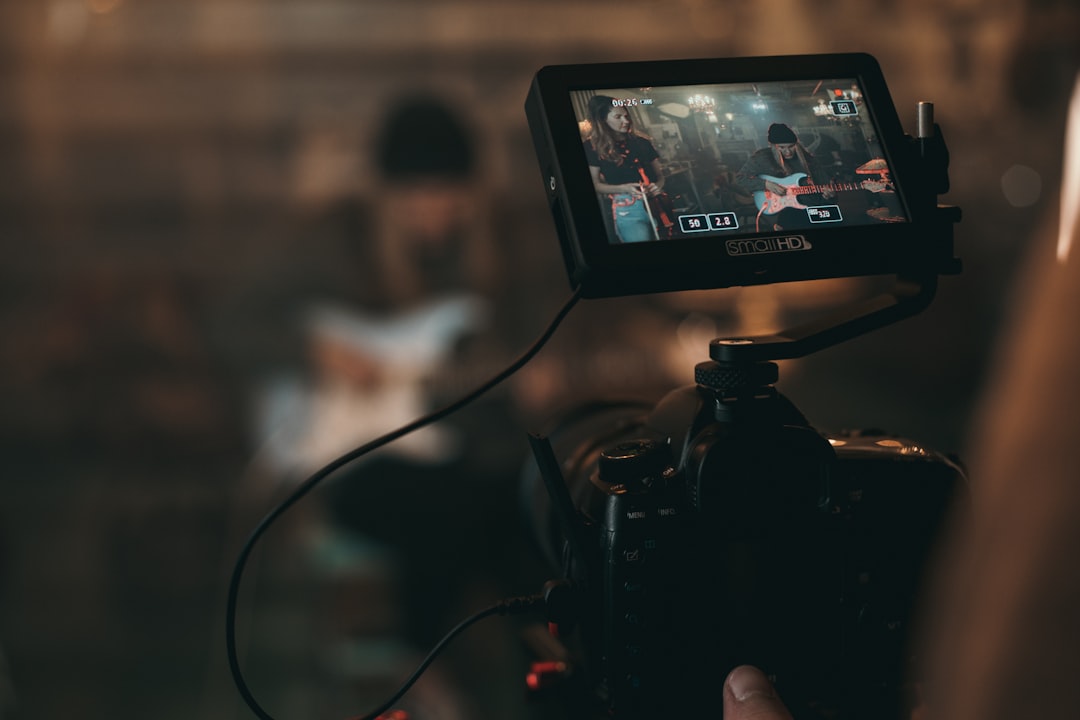
Compression: The Core of the Process
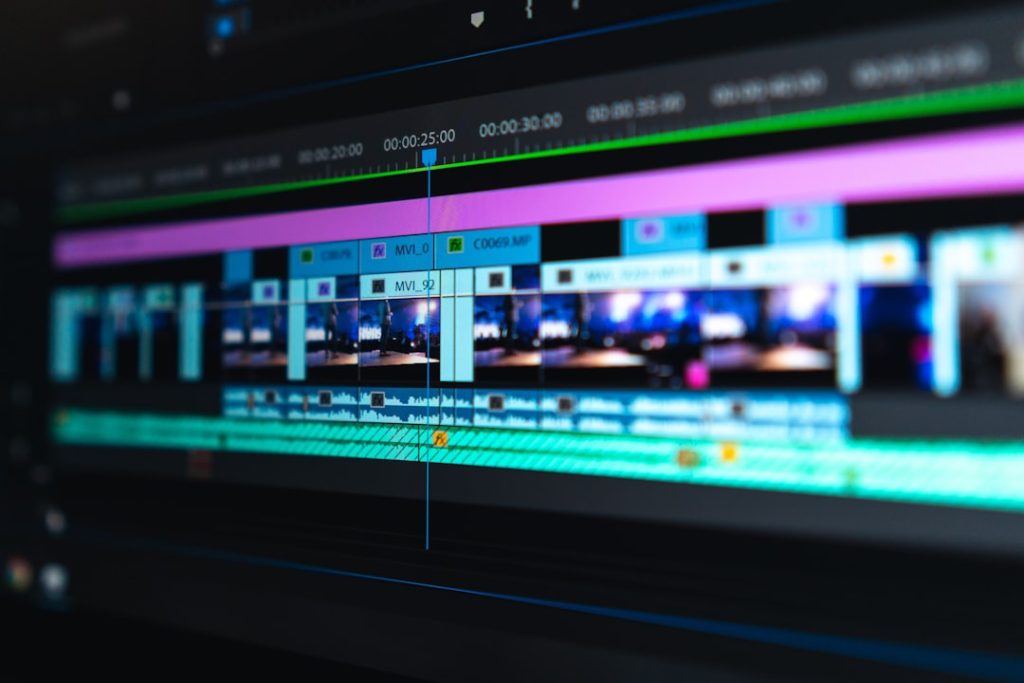
Compression is where the encoder earns its keep. Video contains repeated visual information. A wall, sky, studio background, or scoreboard may stay mostly unchanged across many frames. The encoder avoids sending the same information again and again.
Most HD encoders use two main compression methods:
- Spatial compression: Reduces detail inside a single frame. It is similar to how a JPEG image removes less noticeable visual data.
- Temporal compression: Compares frames over time and stores only the changes between them.
This is why talking-head video is easy to encode, while football, concerts, confetti, smoke, water, and flashing lights are harder. Motion, noise, and fine texture force the encoder to spend more bits.
The most common codecs are:
- H.264 AVC: The safest choice for broad device support. It works with almost every streaming platform, browser, set-top box, and decoder.
- H.265 HEVC: More efficient than H.264. It can cut bitrate by roughly 30% to 50% at similar quality, but support and licensing can be more complicated.
- AV1: Efficient and gaining support, mainly in web and OTT use. Encoding can require more processing power.
- MPEG 2: Older, still found in some broadcast environments, but much less efficient.
Honestly, it feels like encoder menus still make simple codec choices harder than they should. A single wrong profile setting can cost you twenty minutes of testing before a decoder finally accepts the feed.
Bitrate: The Quality and Bandwidth Tradeoff
Bitrate is the amount of data used per second. It is usually measured in Mbps. Higher bitrate can improve quality, but only up to a point. If the source is noisy, badly lit, or poorly focused, extra bitrate will not fix it.
Typical HD streaming ranges look like this:
- 720p30: 2 to 4 Mbps
- 1080p30: 4 to 6 Mbps
- 1080p60: 6 to 12 Mbps
- High-motion 1080p sports: 10 to 15 Mbps, sometimes more
Encoders may use CBR, VBR, or ABR. CBR, or constant bitrate, is common in broadcast because it keeps bandwidth predictable. VBR, or variable bitrate, raises and lowers data use based on scene complexity. ABR, or adaptive bitrate, creates multiple versions of the same stream so viewers on weak connections get a lower-resolution feed instead of buffering.
The catch is that bitrate calculators are only a starting point. Real tests matter. A talking-head seminar may look fine at 4 Mbps in 1080p. A dance show with colored lights may fall apart at the same setting.
Resolution, Frame Rate, and Visual Detail
HD usually means 1280 x 720 or 1920 x 1080. Resolution sets the number of pixels. Frame rate sets how many pictures appear each second. Common values are 25, 29.97, 30, 50, and 59.94 frames per second.
Higher resolution is not always better. A clean 720p stream at a stable bitrate may look better than a starved 1080p stream. The same applies to 60 fps. It is excellent for sports and gaming, but it doubles the frame load compared with 30 fps. If bandwidth is tight, 1080p30 may beat 1080p60 in real viewing quality.
Streaming Protocols Used by HD Encoders
After compression, the stream must be delivered. That is where protocols matter. Each one has a role.
- RTMP: Still common for contribution to platforms and media servers. It is reliable for ingest, but not ideal for modern playback at scale.
- HLS: Widely used for OTT delivery to phones, browsers, smart TVs, and tablets. It is stable, but latency can be several seconds or more.
- MPEG DASH: Similar to HLS in purpose. It supports adaptive bitrate streaming and broad OTT workflows.
- SRT: Built for secure, reliable video transport over public internet links. It handles packet loss better than older methods.
- RIST: Used in professional contribution links where reliability and interoperability matter.
- RTP or MPEG TS over UDP: Common in broadcast and private networks. Low overhead, but less forgiving on poor links.
- WebRTC: Used when very low latency matters, such as auctions, remote production, and live interaction.
Latency is a serious design choice. A church livestream may tolerate 15 seconds. A remote camera for live news cannot. A two-way interview may need sub-second delay, which changes both encoder settings and protocol choice.
Hardware vs Software Encoders
Hardware encoders are purpose-built devices. They often run for months with little attention. They are common in broadcast racks, mobile kits, lecture halls, stadiums, and houses of worship. Many include SDI inputs, redundant network ports, embedded audio handling, and failover options.
Software encoders run on computers. They are flexible and cost-effective. They are popular for webinars, gaming, remote production, and smaller studios. Their weak point is that they share system resources with the operating system, graphics drivers, updates, and other software. Expect to waste time on random update prompts if the machine is not locked down before a live event.
Broadcast and Professional Applications
HD encoders are used across broadcast, corporate, education, sports, government, and security work. In broadcast, they handle contribution feeds from field cameras to master control. In OTT, they create adaptive streams for CDN delivery. In IPTV, they feed managed networks inside hotels, campuses, hospitals, and enterprise buildings.
Sports production often uses low-latency encoders to send camera feeds from venues to remote production centers. News teams use portable encoders with bonded cellular connections. Security teams use encoders to convert legacy HDMI or SDI cameras into IP streams. Training departments use them to record and stream town halls with slides and embedded audio.
Key Settings to Check Before Going Live
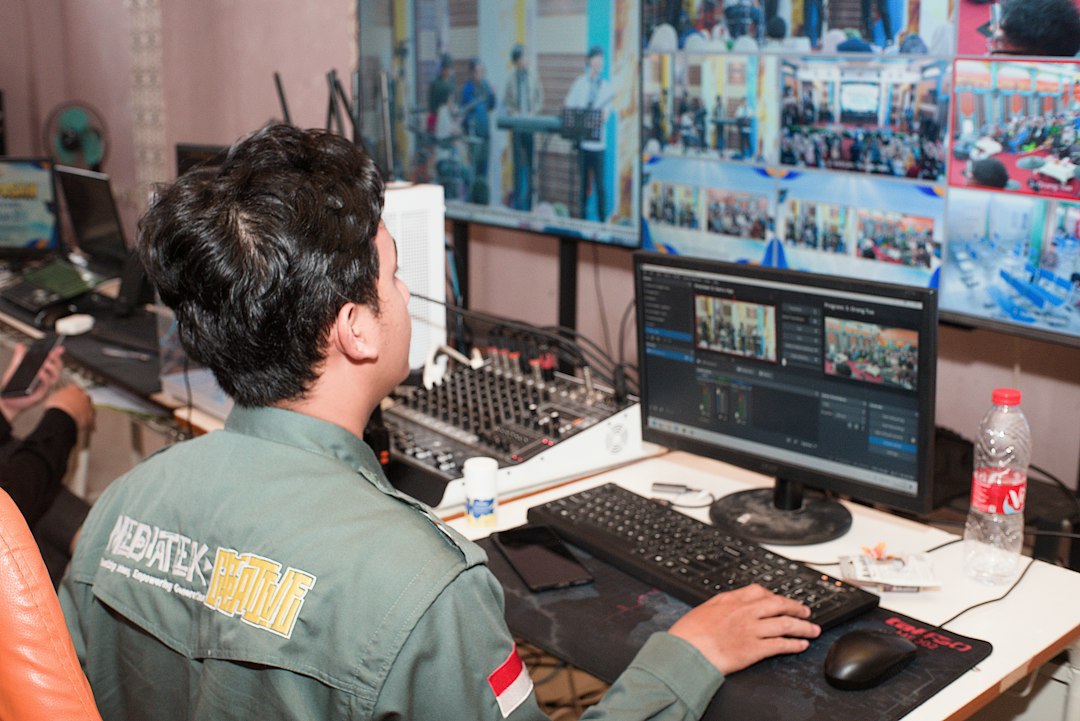
- Codec: Use H.264 for safest compatibility, H.265 when bandwidth savings justify it.
- Bitrate: Match it to resolution, motion, and available upload speed.
- Keyframe interval: Commonly set to 2 seconds for many streaming platforms.
- Audio: AAC is standard for streaming. Check sample rate and channel mapping.
- Network headroom: Keep stream bitrate below about 60% to 70% of stable upload capacity.
- Failover: Use backup internet, backup power, and a secondary stream when the event matters.
Choosing the Right Encoder
Pick the encoder based on the job, not the spec sheet alone. For public streaming, check platform support first. For broadcast contribution, focus on SDI handling, SRT or RIST support, redundancy, and monitoring. For low-latency work, test the full chain from camera to viewer, not just the encoder.
A good HD video encoder should produce stable quality, stay in sync, recover from network trouble, and expose clear status data. Compression settings matter, but reliability matters just as much. When the stream is live, nobody cares how impressive the menu looks. They care that the picture stays clean, the audio stays locked, and the feed does not disappear.