

The best Codecrafters alternatives are the ones that make you build, debug, ship, and explain real projects. That matters because GitHub reported more than 100 million developers on its platform in 2023, so a portfolio needs more than toy exercises to stand out [source: GitHub].
TLDR: If you like Codecrafters because it teaches by rebuilding real tools, start with Boot.dev, Build Your Own X, and Exercism. For example, a backend learner with 6 hours per week could finish one Boot.dev module, submit 8 to 12 Exercism exercises, and start a small Redis clone in a month. Use Frontend Mentor or The Odin Project if your goal is web development. Pick one main platform, not seven at once, or you will collect bookmarks instead of skills.
Codecrafters is strong because it asks you to build serious things: Git, Redis, Docker, HTTP servers, and similar tools. The issue is that not every learner wants the same path, price, language support, or project style. Below are seven serious alternatives for learning software engineering through real coding work.

1. Boot.dev
Best for: backend development, Go, Python, databases, and computer science basics.
Boot.dev is one of the closest fits for people who want structured backend practice. It feels more guided than Codecrafters, which helps if you are still weak on fundamentals. You get lessons, coding tasks, projects, and a clear path.
Why it works: it connects concepts like HTTP, SQL, memory, and algorithms to backend work. That is useful if you want to become a backend engineer, not just pass coding puzzles.
The catch is that it can feel game-like at times. Some learners love that. Others may want fewer badges and more raw project work.
2. Build Your Own X
Best for: curious developers who want to rebuild core software from scratch.
Build Your Own X is a free GitHub collection of tutorials for building tools such as databases, text editors, shells, compilers, search engines, and operating system parts. It is not a polished course. That is also its strength.
You choose a project, read the guide, and write the code yourself. There is no heavy hand-holding. Expect to get stuck. That is part of the value.
This option is great after you already know one language well. If you are still learning syntax, save it for later.
3. Exercism
Best for: improving code quality with practice and feedback.
Exercism supports many programming languages and focuses on small but thoughtful exercises. The best part is feedback. You can compare solutions and, in many tracks, get mentor comments.
This is not a full project platform. Still, it is excellent for learning clean code, naming, testing, and idioms in a language. Those things matter in real teams.
If your JavaScript, Go, Rust, or Python code “works” but looks messy, Exercism is a smart place to fix that.
4. The Odin Project
Best for: full-stack web development with a project-first path.
The Odin Project is free and respected. It covers HTML, CSS, JavaScript, Git, Node.js, React, databases, and deployment. You build projects throughout the course, including landing pages, dashboards, APIs, and full-stack apps.
It also pushes you to read documentation. That can be annoying at first. Honestly, it feels like extra work until you realize that real software jobs are full of unclear docs, old issues, and half-finished examples.
For extra background on software basics, it can help to review simple definitions before jumping into larger systems.
5. freeCodeCamp
Best for: beginners who want a free and broad learning path.
freeCodeCamp offers certifications with projects in responsive web design, JavaScript, frontend libraries, APIs, data analysis, and more. It is one of the easiest ways to start without paying.
The projects are clear and beginner-safe. That is good early on. Later, you should add your own changes, because many learners submit similar work. A plain certificate project rarely stands out by itself.
Use freeCodeCamp to build discipline. Then turn one project into something personal, such as a budget tracker for your own expenses or a job board scraper for your city.
6. Frontend Mentor
Best for: frontend developers who need portfolio-ready UI practice.
Frontend Mentor gives you realistic design files and asks you to build the interface. You practice layout, responsive behavior, accessibility, and clean component structure.
This is not a backend platform. But frontend hiring often depends on visible work. A clean, responsive project can say a lot in 20 seconds.
It drives me crazy that many new developers say they “know CSS” but need 40 minutes to center a layout or fix mobile spacing. Frontend Mentor exposes that fast, which is useful.
7. Educative
Best for: text-based learning, system design, and interview prep mixed with coding.
Educative runs in the browser and focuses on interactive lessons. It has strong material on system design, coding interviews, language learning, and backend concepts.
It is less project-heavy than Codecrafters. Still, it is useful if you want to understand theory before building. For example, a learner building a URL shortener can study rate limiting, caching, and database choices before writing the app.
Use Educative when you need structure. Use Codecrafters-style projects when you need proof that you can build.
How to choose the right one
- Choose Boot.dev if you want backend skills and a guided path.
- Choose Build Your Own X if you want hard projects and can handle gaps.
- Choose Exercism if your code needs better style and feedback.
- Choose The Odin Project if you want full-stack web development.
- Choose freeCodeCamp if you need a free beginner path.
- Choose Frontend Mentor if you need strong UI portfolio pieces.
- Choose Educative if you want theory, system design, and interview prep.
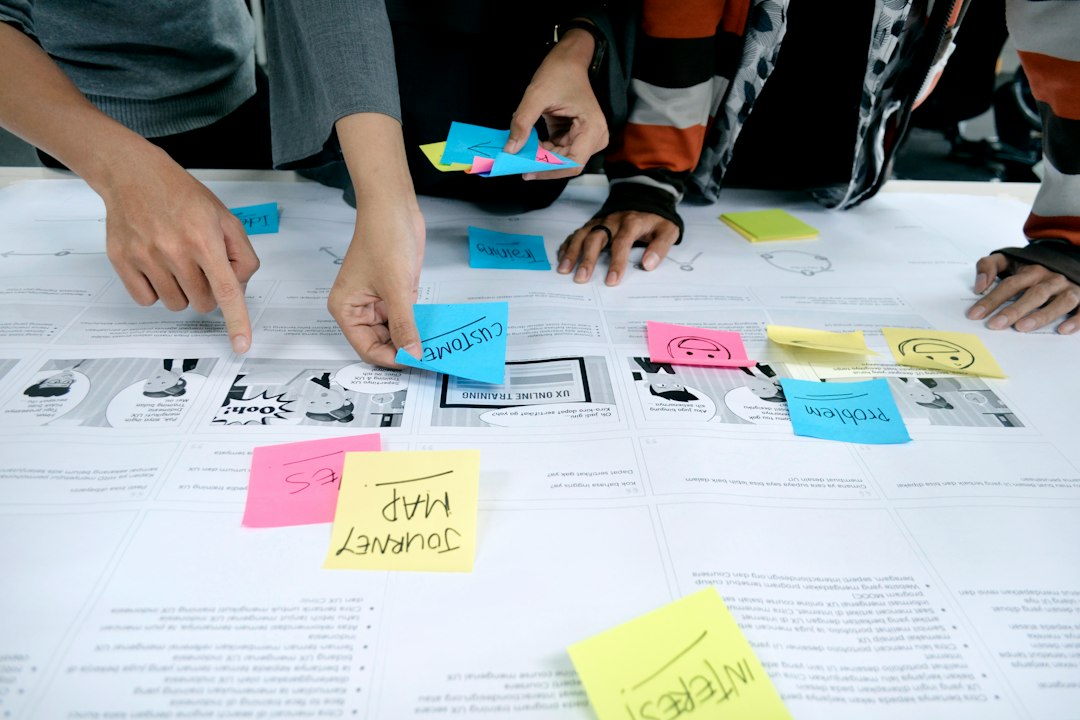
Final recommendation: do not switch platforms every week. Pick one main path for 90 days. Build three projects, write short notes about what broke, and publish the code. That habit will teach you more than passive watching ever will.