
Proxy quality is mostly decided by five features: rotation, backconnect access, IP pool size, sticky sessions, and location targeting. Get these wrong, and you will see blocks, slow jobs, bad data, and a support inbox full of pain. This matters because the open internet is huge: DataReportal reported 5.35 billion internet users at the start of 2024 [source: DataReportal]. A serious proxy setup must look normal inside that scale, not noisy or cheap.
TLDR: Choose proxies based on how they rotate, how easy they are to connect to, and how clean the IP pool is. For example, a price monitoring team sending 50,000 requests per day may cut block rates from 18% to under 5% by using smart rotation with sticky sessions for checkout and login pages. Large IP pools help spread requests, but only if the provider controls abuse and removes burned IPs. Backconnect access keeps setup simple because one endpoint can route traffic through many IPs.
The must know guide to 5 proxy features
Not all proxies are equal. Some are built for steady business use. Others fall apart after a few thousand requests. The difference often sits in the features below.
1. Proxy rotation
Rotation means your outgoing IP changes based on a rule. It might change after every request, every few minutes, or after a failed attempt.
This feature is useful for:
- Web scraping at scale
- Ad verification across markets
- SEO tracking from many locations
- Fraud testing and access checks
Good rotation looks natural. Bad rotation looks fake. If every request uses a new IP, but the browser fingerprint stays the same, many sites will still flag you. Honestly, it feels like some tools sell rotation as magic, then make you spend hours fixing session errors that should not happen.
Ask the provider how rotation works. Can you set the interval? Can you retry with a fresh IP after a block? Can you keep one IP for a login flow? These small controls matter.
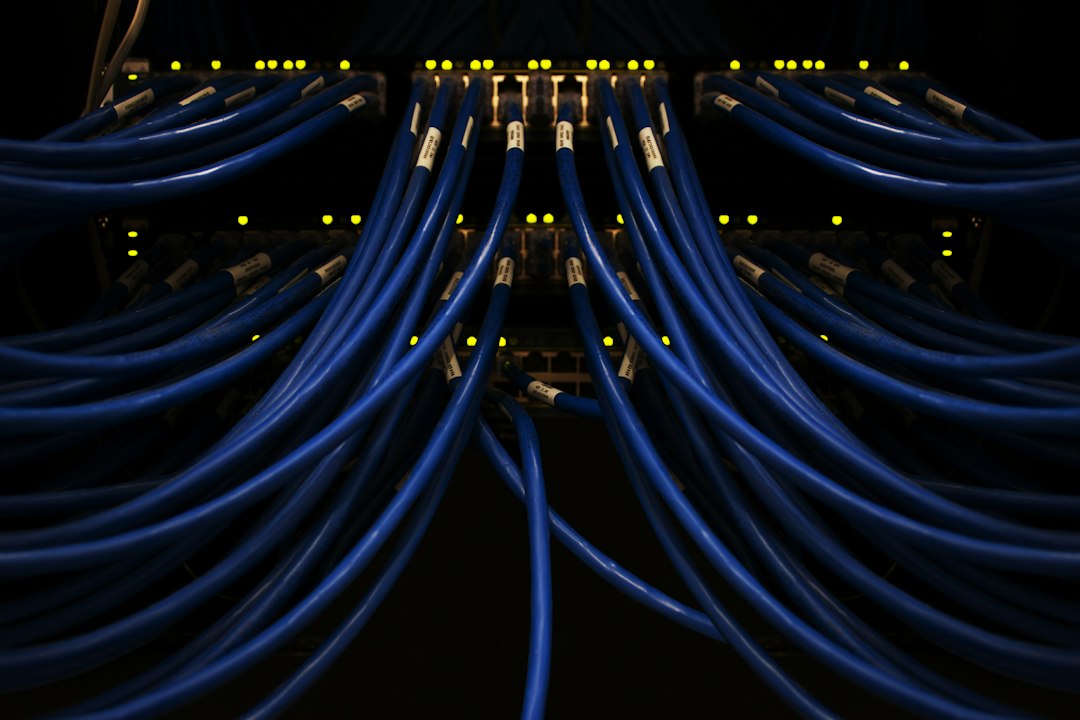
2. Backconnect gateways
Backconnect means you connect to one proxy endpoint, while the provider sends your traffic through different IPs behind it. You do not need to manage a long list of proxy addresses.
For teams, this is a major time saver. Your app can point to one host and port. The provider handles selection, rotation, and routing. That lowers the chance of messy config files and expired proxy lists.
The catch is latency. A backconnect gateway adds another layer between you and the target site. A weak provider may add 500 ms or more per request. Over 100,000 requests, that delay becomes real money and lost time.
Use backconnect when you need scale and simple setup. Avoid poor gateways that hide slow routing behind pretty dashboards.
3. IP pool size and quality
An IP pool is the total group of IPs available through a proxy service. A bigger pool can reduce repeated hits from the same address. But size alone is not enough.
A pool with 10 million IPs sounds strong. Yet if many are banned, shared by abusive users, or tied to data centers with a bad record, results will suffer. A smaller clean pool can beat a huge dirty one.
Look for these signs of a healthy pool:
- Low ban rates on common target sites
- Fresh IP replacement when addresses get blocked
- Clear proxy type, such as residential, mobile, ISP, or datacenter
- Usage controls to stop extreme abuse by other customers
4. Sticky sessions
Sticky sessions keep the same IP for a set time. This may be 5 minutes, 30 minutes, or longer. They are vital when a website expects one user to keep the same identity during a task.
Use sticky sessions for:
- Account login
- Cart and checkout testing
- Form submission
- Social media workflows
- Market research that needs stable access
Without sticky sessions, a site may see one user jump from Paris to Dallas to Tokyo in seconds. That looks suspicious. Expect to waste time on captchas, forced logouts, and broken sessions if this feature is missing.
A good provider lets you choose session length. Better providers also let you bind sessions to a username, token, or port. That makes automation cleaner and easier to audit.
5. Location, ASN, and proxy type targeting
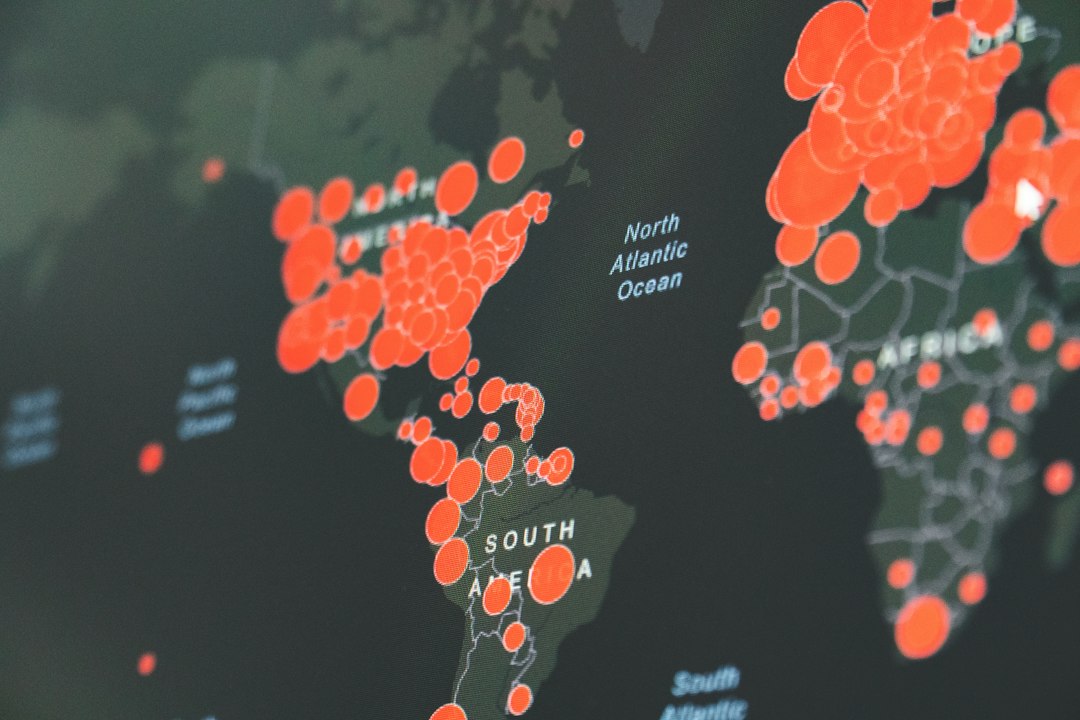
Targeting lets you choose where your proxy traffic appears to come from. Basic targeting covers country and city. More advanced targeting may include carrier, ASN, ZIP code, or connection type.
This matters for serious testing. Prices, ads, search results, and content can change by location. A travel site may show one fare in Berlin and another in Madrid. A retailer may display different stock by state. If your proxy location is wrong, your data is wrong.
Also review proxy type:
- Residential proxies: Good for realistic access, often higher cost.
- Mobile proxies: Strong for app and carrier testing, usually limited and expensive.
- ISP proxies: Stable and fast, with better trust than many datacenter IPs.
- Datacenter proxies: Fast and cheap, but easier to detect on strict sites.
How to choose without regret
Start with your real use case. Do not buy the biggest package first. Test a small plan against your actual targets. Measure success rate, average response time, captcha rate, and cost per successful request.
For most teams, the best first setup is simple: backconnect access, controlled rotation, a clean IP pool, and sticky sessions when needed. Add tight location targeting only when your data depends on it.
Final rule: a proxy feature is useful only if it improves completed requests. Fancy controls mean little if blocks rise, sessions break, or support takes two days to answer. Pick the provider that gives clear settings, stable performance, and honest reporting.