Use a VPN for full-device privacy. Use a proxy when you only need one app, one browser, or one task to look like it comes from another place. That is the clean split. Around 46% of Americans have used a VPN, which shows how common privacy tools have become [source: Security.org].
TLDR: A VPN protects more of your traffic. A proxy is usually lighter and faster, but it protects less. Example: if you want Netflix on your TV, laptop, and phone to use the same private tunnel, pick a VPN. If you only want your browser to check prices in another country, a proxy may do the job in seconds.
1. Privacy: VPNs cover more ground
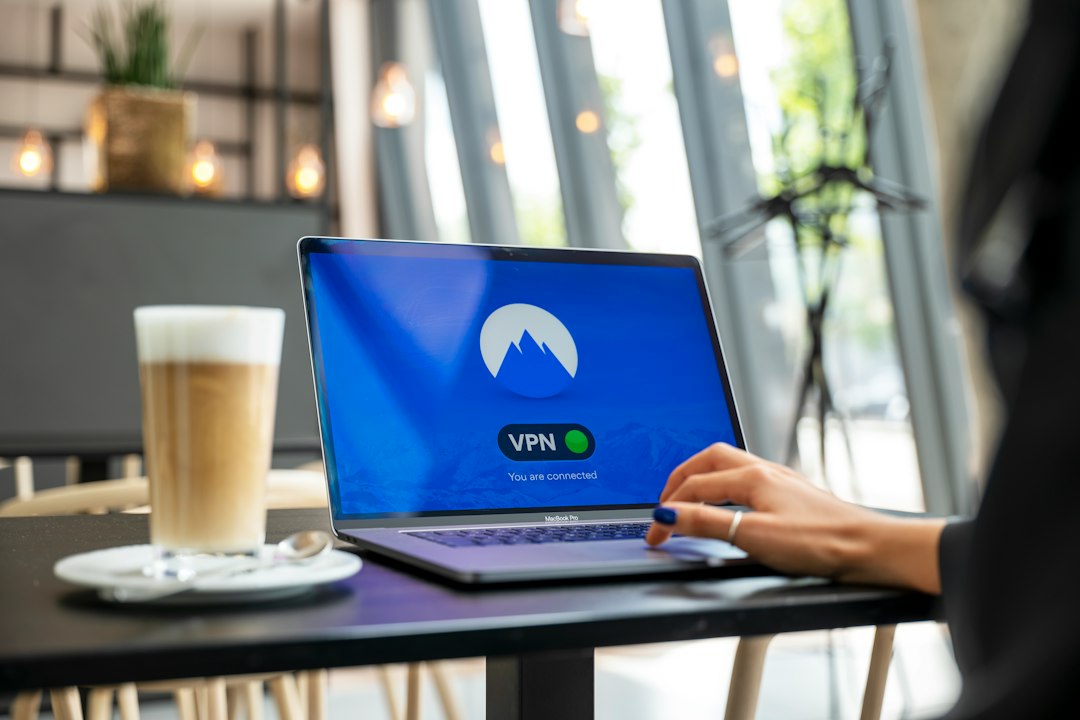
A VPN creates an encrypted tunnel between your device and the VPN server. Think of it like a private subway for your data. Your internet provider can see that you are connected to a VPN. But it cannot easily see the sites you visit.
A proxy is more like a mail forwarder. It changes where your request appears to come from. But many proxies do not encrypt your traffic. That matters a lot.
Simple rule: if privacy is the goal, a VPN wins most of the time.
- VPN: hides your IP and encrypts traffic.
- Proxy: hides your IP for certain apps or browser traffic.
- Risk: free proxies can log data or inject ads. Annoying, right?
2. Speed: proxies can feel quicker
VPNs often add a small delay. Your traffic gets encrypted, sent to a VPN server, then sent out to the web. That extra work takes time.
Proxies can be faster because they may skip encryption. Great for quick web tasks. Not so great for secrets.
Honestly, it feels like a bad trade when a VPN adds 2 or 3 seconds to every page load. But with a good paid VPN, the hit is often small. With a bad one, expect buffering, lag, and muttering at your screen.
- Need speed for scraping public pages? A proxy may be better.
- Need safe speed on public Wi Fi? A VPN is smarter.
- Need gaming? Test both. Ping matters more than hype.
3. Network routing: VPNs handle the whole device
This is the big one.
A VPN usually routes all internet traffic from your device. Browser. Apps. Game clients. Email. Updates. Everything gets sent through the VPN tunnel, unless you change settings.
A proxy usually works at the app level. Maybe only Chrome uses it. Maybe only one tool uses it. Your other apps may still use your normal connection.
That can be useful. It can also be messy.
It drives me crazy that one app can be on a proxy while another leaks your real IP. You think you are covered. You are not.

4. Security: VPNs usually do more
A VPN adds encryption. That helps on hotel Wi Fi, airport Wi Fi, and coffee shop Wi Fi. These networks are shared. Shared networks can be nosy.
A proxy may not protect you from snooping. Some proxies support HTTPS traffic. Some do not. Some are fine. Some are sketchy. That is the pain.
Also, neither tool makes you magic. A VPN does not stop phishing. A proxy does not block malware by default. If you type your password into a fake site, both tools will sit there doing nothing. Rude, but true.
5. Use cases: proxies are task tools, VPNs are daily armor
Use a proxy when you need location switching for a narrow job.
- Checking local search results.
- Testing ads in another region.
- Managing many accounts with separate IPs.
- Collecting public data, where allowed.
Use a VPN when you want broad protection.
- Using public Wi Fi.
- Hiding your IP from websites.
- Reducing tracking by your internet provider.
- Protecting apps beyond the browser.
Here is an easy example. You are at an airport. You open email, banking, Slack, and maps. Use a VPN. You are at home and only want to see how a product page looks in Germany. Use a proxy.
6. Setup and control: proxies can be fiddly
VPN apps are usually simple. Install. Sign in. Pick a country. Tap connect. Done.
Proxies can be simple too, but not always. You may need a host, port, username, password, and app settings. Then you test it. Then it fails. Then you wonder if the proxy is dead or if you typed the port wrong. Fun little nightmare.
Still, proxies give fine control. You can route only one tool through one IP. For marketers, testers, and data teams, that can be handy.
Quick comparison
| Feature | Proxy | VPN |
|---|---|---|
| Privacy | Basic IP hiding | Stronger IP hiding plus encryption |
| Speed | Often faster | Can be slower, but safer |
| Routing | Usually app based | Usually whole device |
| Best for | Testing, scraping, location checks | Daily privacy and public Wi Fi |
So, which should you pick?
Pick a VPN if you want simple privacy across your device. It is the better default for normal people. It protects more traffic with less setup pain.
Pick a proxy if you have a narrow job. It is great when you need speed, location control, or separate IPs for specific tools.
The short version is easy. VPN for protection. Proxy for precision. Use the right one, and you avoid both overspending and underprotecting yourself.