

Use a proxy server when you need controlled access, safer browsing, or realistic software testing. It sits between a user and the internet, forwarding requests through another IP address. That can reduce direct exposure, support regional testing, and help teams apply rules to web traffic. IBM reported that the global average cost of a data breach reached $4.88 million in 2024, so traffic control is not a small detail anymore [source: IBM].
TLDR: A proxy server can help with privacy, testing, access control, monitoring, and safer automation. For example, a QA team testing a shopping site in 5 countries can use regional proxy IPs to check prices, language, tax, and checkout behavior without flying blind. A business with 200 employees can also use proxies to block risky sites, log traffic patterns, and reduce direct contact between internal systems and the open web.
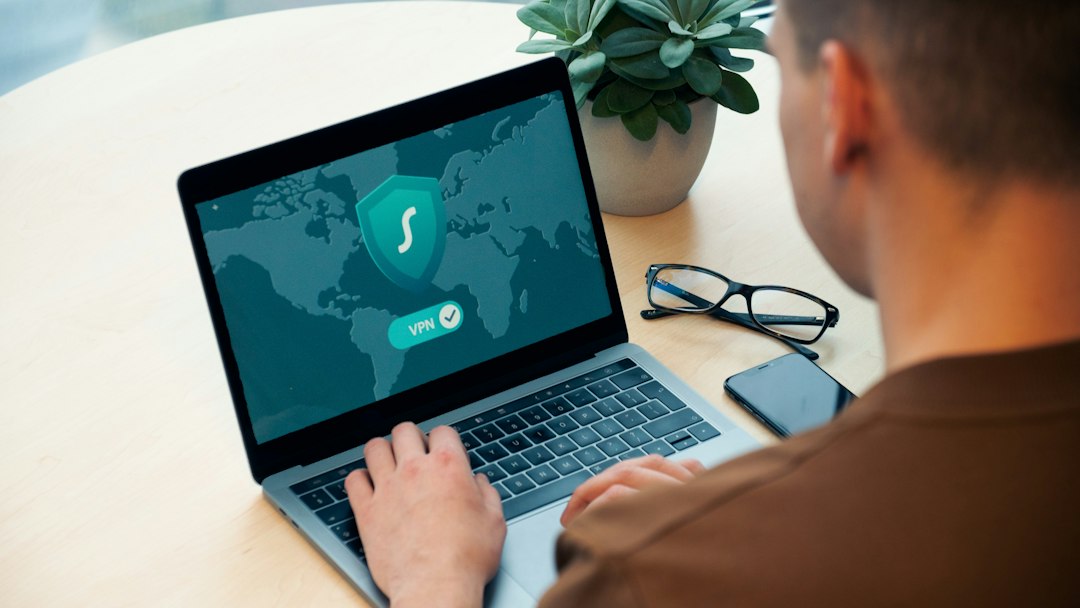
1. Improve basic online privacy
A proxy can hide your direct IP address from the site you visit. The site sees the proxy IP instead. This is useful for basic privacy, research, and reducing casual tracking.
Still, a proxy is not magic. It does not make unsafe behavior safe. If you log into a personal account, that service can still identify you. For stronger protection, pair proxies with HTTPS, good browser settings, and careful account use.
2. Test websites from different regions
Websites often behave differently by country, state, or city. Prices change. Search results change. Language, taxes, shipping, and ads can all shift.
A proxy lets testers view a site from a chosen location. This helps teams catch problems before users complain. For example, a payment button might load in Germany but fail in Canada. Without regional testing, that bug may sit there for weeks.
Honestly, it feels like the most annoying bugs are the ones that only appear outside your office network. Proxies make those bugs easier to reproduce.
3. Manage employee access
Companies can use proxies to control which sites staff members can reach. This is not only about blocking time-wasting pages. It also helps prevent access to malware, phishing pages, and high-risk file-sharing sites.
- Block known harmful domains before users reach them.
- Limit access by department, role, or location.
- Log traffic for audits and incident review.
- Apply company policy without installing heavy tools on every device.
4. Support safer web scraping and data collection
Some teams gather public data for price checks, market research, or search monitoring. A proxy can spread requests across approved IPs and reduce the chance that one address gets blocked too quickly.
This must be done with care. Respect robots.txt, site terms, rate limits, and local laws. Do not use proxies to bypass private systems or protected content. The goal is clean research, not abuse.
5. Filter and inspect traffic
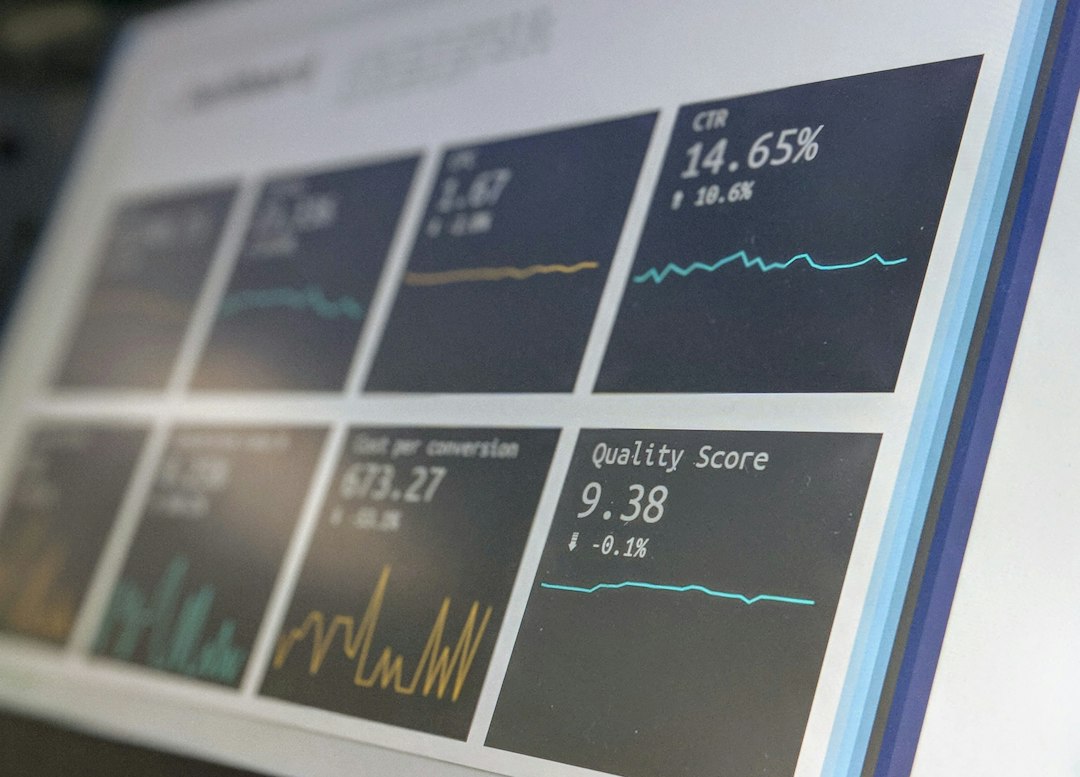
A proxy can act as a checkpoint. Traffic passes through it before reaching the internet. Security teams can inspect requests, detect strange patterns, and stop risky traffic.
This is useful when teams need visibility. If one workstation starts sending large amounts of traffic to an unknown server, proxy logs may show it fast. The logs can help answer basic questions: who connected, when, where, and how often.
For secure design, OWASP also recommends strong access control and careful handling of user requests [source: OWASP].
6. Test ads, search results, and localization
Marketing teams use proxies to check what real users see in different markets. This matters because search engines, ad networks, and app stores often personalize results by location.
A proxy can help answer questions such as:
- Is the correct ad showing in a target city?
- Do local landing pages load in the right language?
- Are competitors appearing above your brand in search?
- Is a campaign blocked or mispriced in a region?
Expect to waste time on false results if you test everything from one office IP. Local proxy checks give a cleaner view.
7. Add a layer between internal tools and the public web
Internal dashboards, scripts, and automation tools often need internet access. A proxy can sit between those tools and outside services. This reduces direct exposure and gives administrators one place to manage rules.
For example, a finance system may only need to connect to a small set of banking, tax, or payment domains. A proxy can allow those domains and block the rest. That simple rule can reduce risk if a script is misused or compromised.

What to check before using a proxy
Not all proxies are equal. Free proxies can be slow, crowded, or risky. Some may log traffic in ways you do not expect. For business use, choose a provider with clear policies, stable performance, and support that replies in hours, not days.
- Check logging rules. Know what is stored and for how long.
- Use authentication. Do not leave proxies open to the public.
- Prefer HTTPS traffic. Keep data encrypted end to end where possible.
- Monitor usage. Watch for spikes, errors, and unusual destinations.
- Document the setup. Future staff should not have to guess how it works.
A proxy server is best viewed as a control point, not a cure-all. It can improve privacy, testing, and access management when configured well. Used carelessly, it becomes another weak link. Used with clear rules, it can save time, reduce risk, and make online operations far easier to manage.





Ресурсы 18+ являются доступный формат найти разрешённый контент для взрослых без обязательных поездок и личного риска.
африканки жжж порно
Они дают пользователям 18+ анонимный доступ к разным форматам и дают возможность самому пользователю определять комфортный режим просмотра.