
The best “free YouTube subscribers” come from better videos, smarter topics, and cleaner packaging. YouTube Studio should be your main tool. TubeBuddy can help with titles, tags, and quick checks. But no tool should ever promise real subscribers with one click.
TLDR: Use YouTube Studio first because it is free, official, and shows what your viewers actually do. Add TubeBuddy if you want faster keyword checks and thumbnail tests. For example, a small gaming channel with 300 subscribers could post two strong videos per week, raise click through rate from 4.1% to 6%, and gain 35 to 60 new subscribers in a month without buying anything. The trick is boring but powerful: better topics, better titles, better thumbnails, and better retention.
What “Free YouTube Subscribers” Really Means
Let’s be blunt. Free subscribers are not handed out by magic apps. They are earned when people watch your video and think, “Yep, I want more of this.”
That means you need three things:
- A clear audience
- Videos people want to click
- Enough value to make them subscribe
Buying subscribers is a trap. Sub for sub is also a trap. Those people do not watch your videos. Then your views look weak. Your engagement drops. YouTube gets confused. Your channel feels busy but grows slowly. Annoying, right?
Legit tools do not give you subscribers. They help you make better choices. That is the real game.
YouTube Studio: The Free Tool You Already Have
YouTube Studio is the control room for your channel. It is free. It is official. It has the numbers that matter most.
Use it to answer simple questions:
- Which videos bring in subscribers?
- Where do viewers stop watching?
- Which thumbnails get clicks?
- Which search terms send traffic?
- Which videos keep people watching longer?
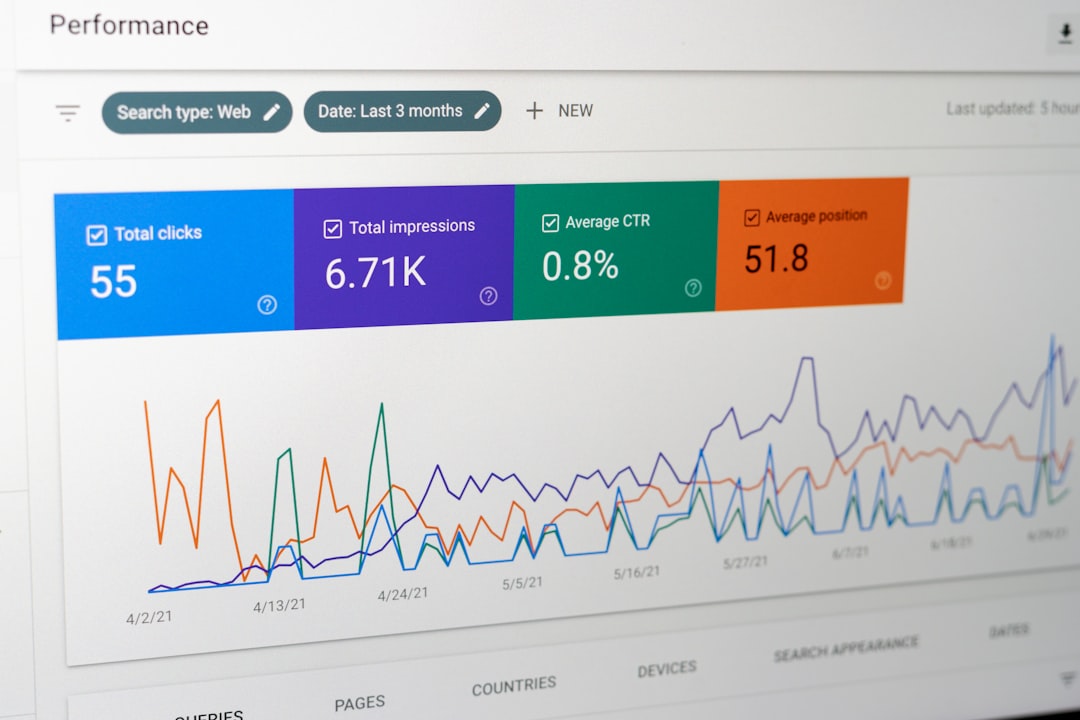
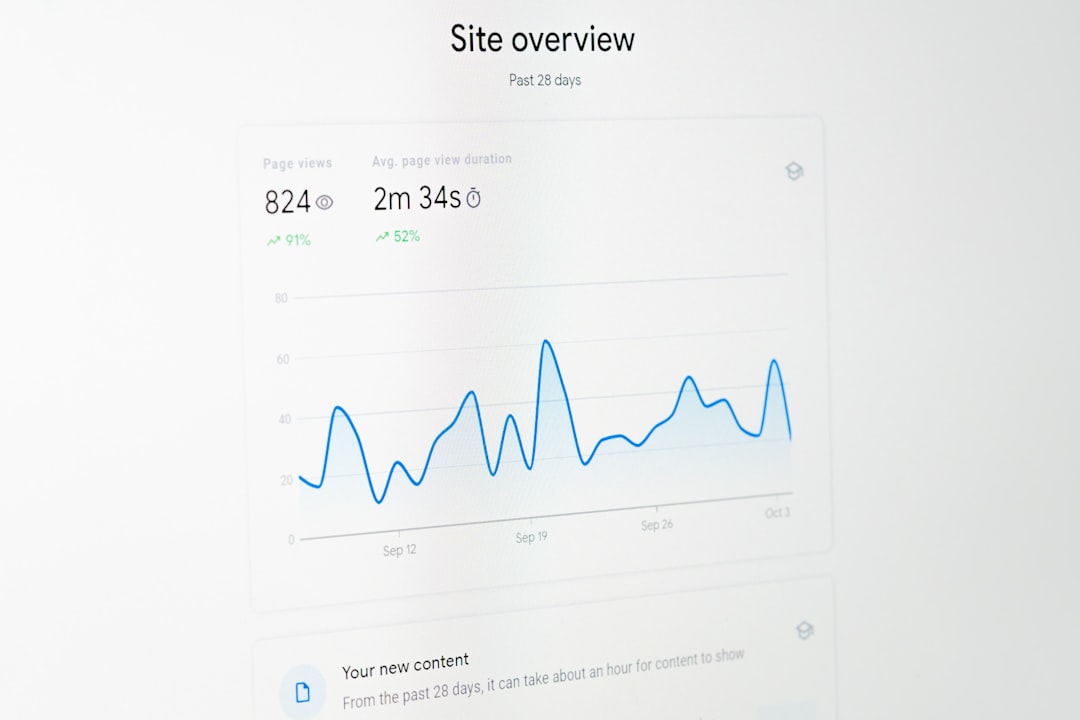
The Analytics tab is your best friend. Start with Reach. Check your impressions and click through rate. If YouTube shows your video 10,000 times and only 200 people click, your title or thumbnail may be weak.
Then check Engagement. Watch the audience retention graph. If half your viewers leave in the first 20 seconds, your intro is probably too slow. Cut the fluff. Start with the payoff.
Next, check Audience. See what your viewers also watch. This is gold. It shows what your future videos can connect to.
The catch is that YouTube Studio can feel clunky. Some useful filters feel hidden. Real time stats can lag. It drives me crazy when a simple check takes six clicks instead of two. Still, the data is accurate. That matters.
TubeBuddy: Helpful, But Not Magic
TubeBuddy is a browser extension and channel tool. It can help with keyword research, tag ideas, title testing, and workflow. It is popular because it sits right inside YouTube.
TubeBuddy is useful for creators who want help before posting. It can suggest keywords. It can show search competition. It can help you test a thumbnail or title. It can also save time with upload templates.
Here is where it shines:
- Keyword ideas for videos and Shorts
- Tag suggestions when you are stuck
- Title tools for better wording
- A/B testing on some paid plans
- Bulk updates for descriptions and cards
Honestly, it feels like TubeBuddy wants to help and sell at the same time. Some features sit behind upgrades. Pop ups can get old. A quick keyword check may take a few seconds longer than expected because the panel loads beside YouTube. Not a dealbreaker. Just mildly irritating.
Use TubeBuddy as a helper. Not as your brain.
YouTube Studio vs TubeBuddy: Which One Wins?
YouTube Studio wins for truth. TubeBuddy wins for speed and suggestions.
| Tool | Best For | Weak Spot |
|---|---|---|
| YouTube Studio | Analytics, retention, subscribers gained, traffic sources | Can feel slow and buried in menus |
| TubeBuddy | Keyword ideas, titles, tags, tests, workflow | Some helpful tools cost money |
If you are new, start with YouTube Studio. Learn your numbers first. If you already post each week, add TubeBuddy to speed up research. Do not obsess over scores. A “perfect” keyword score does not make a boring video exciting.
Other Legit Tools That Can Help You Grow
You do not need a huge tech stack. You need a few tools that solve real problems.
1. vidIQ
vidIQ is similar to TubeBuddy. It helps with keyword research, trend ideas, and competitor checks. The free version is enough for basic research. Paid plans add more data.
Use it to find video ideas with demand. Then check YouTube Studio later to see if those ideas worked.
2. Google Trends
Google Trends is free. It shows rising interest in topics. This is great for news, tech, fitness, finance, gaming, and seasonal content.
Example: If “budget meal prep” rises every January, plan those videos in December. Smart timing can bring free views. Free views can bring free subscribers.
3. YouTube Search
This is the simplest tool. Type your topic into YouTube. Watch the autocomplete suggestions. Those phrases come from real user behavior.
If you type “how to start a podcast” and YouTube suggests “how to start a podcast with no audience,” that is a video idea. Simple. Free. Useful.
4. CapCut or DaVinci Resolve
Editing matters. Not fancy editing. Clear editing. Remove dead air. Add captions when needed. Keep the pace tight.
CapCut is easy for quick edits and Shorts. DaVinci Resolve is stronger for long form videos. Both can be used for free.
5. Canva
Thumbnails matter a lot. Canva helps you make clean thumbnails fast. Use large faces, bold text, and clear contrast. Do not cram in ten words. Three to five words is often enough.
A Simple Growth Plan for Free Subscribers
Here is a plan that does not require ads or shady tricks.
- Pick one audience. Do not make cooking, crypto, vlogs, and boxing videos on the same channel.
- Find 20 video ideas. Use YouTube Search, Studio, Google Trends, TubeBuddy, or vidIQ.
- Post one to three times per week. Pick a pace you can keep.
- Study each video after 48 hours. Check click through rate, retention, and subscribers gained.
- Improve one thing per upload. Title, thumbnail, hook, pacing, or topic.
Keep score. If one video gets 1,000 views and gains 12 subscribers, that is a 1.2% subscriber rate. If another gets 1,000 views and gains 2 subscribers, ask why. The answer may be topic fit. It may be weak value. It may be that viewers got what they needed and left.
What Not to Do
Avoid anything that promises instant subscribers. Avoid bot sites. Avoid comment spam. Avoid fake engagement groups. They make your channel look active for five minutes and sick for months.
YouTube rewards viewer satisfaction. Fake subscribers do not watch. They do not click. They do not care. That sends bad signals.
Also, do not copy bigger creators word for word. Study them. Learn from structure. Then add your own angle.
The Best Tool Combo
For most creators, the best setup is simple:
- YouTube Studio for real channel data
- YouTube Search for free topic ideas
- Google Trends for timing
- TubeBuddy or vidIQ for keyword help
- Canva plus CapCut for packaging and editing
Start with YouTube Studio. Add tools only when they save time or answer a clear question. Free subscribers come from people trusting your channel enough to come back. Tools can point the way. Your videos still have to do the work.