
Yes, Life360 is free, but the free version is best for basic family location sharing, not full safety coverage.
TLDR: Life360 has a free plan that lets family members see each other on a private map, get limited place alerts, and check basic location history. Paid plans add stronger tools like crash detection, roadside help, longer location history, SOS alerts, and theft protection. For example, a parent with two teens may be fine with the free plan during school pickups, but a family with a new driver may find the paid crash and emergency features worth the monthly cost.
What You Get With Life360 Free
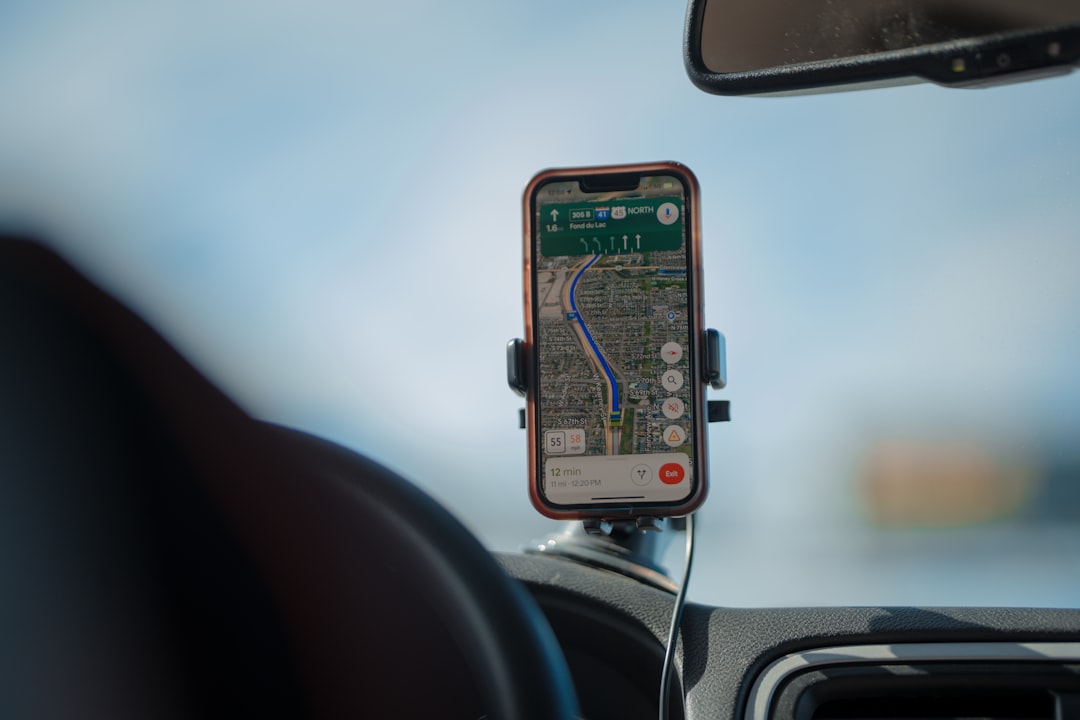
Life360’s free plan gives you the core feature most people download it for: real-time location sharing. You create a private group, called a Circle, invite family or friends, and then view each person’s location on a map.
The free version usually includes:
- Live location sharing with Circle members
- Basic location history, often around 2 days
- Limited place alerts for common spots like home or school
- Battery level viewing for Circle members
- Check ins so someone can quickly share where they are
That is enough for many households. If you only want to know whether your child made it to school, or whether your partner is still at work, the free plan does the job. It is simple, useful, and easy to understand.
The catch is that Life360 gets much more interesting behind the paywall. You can see the map for free, but many of the safety features people talk about in reviews are tied to paid plans.
Life360 Paid Plans: What Changes?
Life360 pricing can vary by country, app store, promotions, and whether you pay monthly or yearly. In the United States, the main paid tiers have commonly included Silver, Gold, and Platinum, though names and prices can shift over time.
In general, the paid plans add more safety, driving, and emergency tools. You are not just paying to see someone’s dot on a map. You are paying for alerts, records, protection, and faster help when something goes wrong.
Silver Plan
The Silver tier is usually the entry-level paid option. It may include improved place alerts, more location history, crash detection, and some driving reports. This plan is aimed at people who want more than basic tracking but do not need the full emergency package.
Typical Silver-style features may include:
- Longer location history than the free plan
- More place alerts
- Basic driving reports
- Crash detection in supported areas
- Emergency SOS features
If you are paying mainly because the free plan feels too limited, Silver can be a reasonable middle ground. Still, compare closely. Sometimes the price gap between Silver and Gold makes Gold look more practical.
Gold Plan
Gold is often the plan families consider when they have teen drivers. It tends to include stronger driving safety tools, more complete location history, and emergency features that feel more serious.
Gold may include:
- Crash detection with emergency support
- 30 days of location history
- Unlimited place alerts
- Roadside assistance
- Driving reports, including speed and hard braking events
- SOS alerts for urgent situations
For a family with a 16-year-old who drives to school, sports, and a part-time job, Gold can make sense. It gives parents more context than a static location pin. Was there hard braking? Was the phone moving at highway speed? Did the driver arrive safely?
Platinum Plan
Platinum is the top tier. It is usually built for families that want a broad safety bundle, not just location tools. This may include larger roadside assistance benefits, disaster response, medical support options, travel support, and identity theft protection.
Platinum may include:
- All or most Gold features
- Higher roadside assistance limits
- Stolen phone protection
- ID theft protection
- Disaster response support
- Medical assistance features in some regions
Honestly, it feels like Platinum is best for families who already planned to pay for safety services elsewhere. If you only want better location sharing, it may be overkill.

Is Life360 Free Enough?
For basic use, yes. The free plan is enough if your needs are simple and low stress.
You may be happy with Life360 Free if you want to:
- See whether family members arrived at regular places
- Share location during errands or trips
- Check a phone battery level before calling
- Use a private family map without paying
You may outgrow it if you want:
- Detailed location history beyond a couple of days
- Many custom place alerts
- Driving behavior reports
- Crash detection and emergency dispatch support
- Roadside assistance
- Theft or identity protection
One small annoyance: some users install Life360 expecting every safety feature to be free because the app markets peace of mind so strongly. Then they hit plan limits after setup. That feels a bit frustrating, especially if you invited the whole family first.
Premium Features Worth Paying For
The most valuable paid feature depends on your household. For many families, crash detection is the big one. If a serious crash is detected, Life360 can alert emergency contacts and, depending on the plan and region, connect with emergency services.
Location history is another useful upgrade. Two days can disappear fast. A 30-day history is better for checking patterns, missing items, disputed arrival times, or school commute issues.
Unlimited place alerts also make daily life easier. Instead of only tracking home and school, you can set alerts for work, the gym, a friend’s house, a grandparent’s home, or a sports field.
Roadside assistance is valuable if your family drives often. Flat tires, dead batteries, and lockouts happen at the worst possible time. If the plan replaces a separate roadside membership, the math may work.
Best Life360 Alternatives
Life360 is popular, but it is not the only option. Some alternatives are cheaper, simpler, or better for privacy-conscious users.
Google Family Link
Best for: Parents managing children’s Android devices.
Google Family Link is free and includes location features, screen time controls, app approvals, and device rules. It is more of a parental control tool than a full family safety app. It works best for younger children, not adults who only want location sharing.
Apple Find My
Best for: iPhone families.
Apple Find My is free and built into iOS. It lets users share locations, find lost devices, and track AirTags. It does not offer the same driving reports or crash support package as Life360, but it is clean, reliable, and does not require another subscription.
Google Maps Location Sharing
Best for: Simple cross-platform sharing.
Google Maps lets users share real-time location for a set time or indefinitely. It is free and works on iPhone and Android. It lacks family safety extras, but for basic “where are you?” use, it is hard to beat.
Findmykids
Best for: Parents with younger kids.
Findmykids focuses on child safety. It offers location tracking, route history, app usage details, and alerts. Some features require a paid plan. It may feel too child-focused for families with adults or older teens.
GeoZilla
Best for: Families who want a Life360-style app with a different feel.
GeoZilla offers family location sharing, alerts, and check ins. It has free and paid options. Feature depth may vary, so check the current plan details before switching.

Privacy: The Part You Should Not Skip
Location sharing can help families feel safer, but it can also become uncomfortable. A good rule is simple: everyone who is old enough to understand tracking should know what is being shared.
For teens, constant tracking can feel like surveillance. For adults, it can create tension if used without clear agreement. Set ground rules. Decide when location checks are okay, when alerts matter, and when someone deserves space.
Also review app permissions. Life360 needs location access to work well, often set to “always allow.” That can affect battery life. It also means the app collects sensitive movement data, so read the privacy settings and adjust what you can.
So, Should You Pay for Life360?
Start with the free plan. Use it for a week with your actual family routine. If you only check arrivals and battery levels, stay free.
Upgrade if you need stronger safety features, especially for teen drivers, frequent travel, or roadside emergencies. Gold is often the most balanced paid choice for families, while Platinum makes sense only if you want the bigger protection bundle.
Bottom line: Life360 is free for basic location sharing, but its best safety tools cost money. The right choice depends on whether you want a simple family map or a full safety service on your phone.