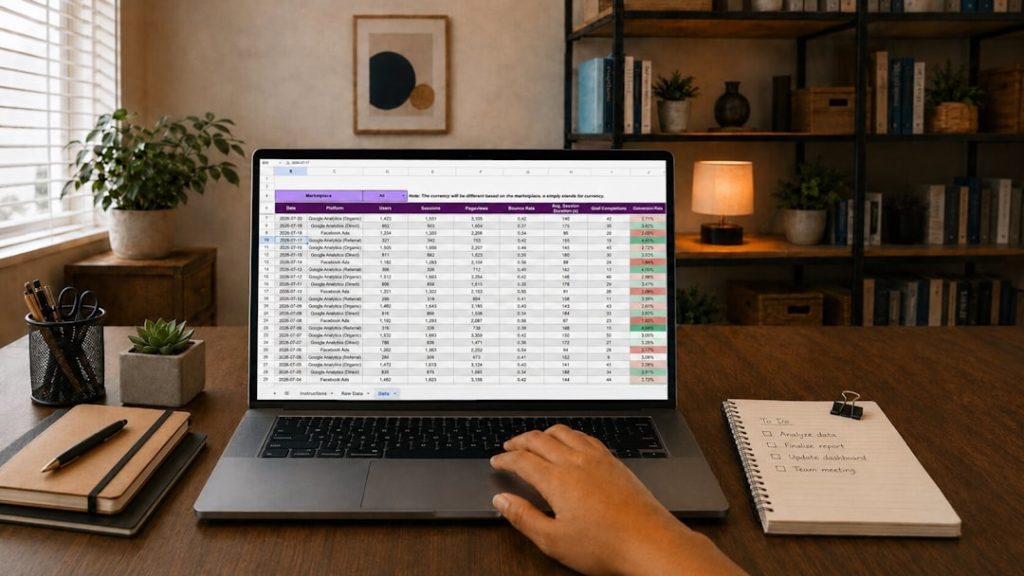

Making short videos can feel like making pancakes while riding a bike. Fun, but messy. ClipTrend is one of the tools that tries to make that mess smaller. It helps creators turn ideas, clips, and longer videos into short, punchy content for platforms like TikTok, Instagram Reels, YouTube Shorts, and Facebook.
TLDR: ClipTrend is an AI video tool for making short social videos faster. It can help with captions, edits, trendy formats, and repurposing long videos into shorter clips. For example, a small business could turn one 10-minute product demo into 6 short clips in under an hour. If it saves even 50% of editing time, that is a big win for creators who post daily.
What Is ClipTrend?
ClipTrend is a video creation and editing platform that focuses on short-form content. Think of it as a helper for creators who want to post more often but do not want to spend all day cutting clips.
It is built for people who need fast results. This includes influencers, coaches, marketers, podcasters, small business owners, and social media teams.
The main idea is simple. You give ClipTrend raw video, text, or ideas. Then it helps you turn them into polished clips. The tool may suggest edits, add captions, resize videos, and make the content feel more social-friendly.
Who Is ClipTrend Best For?
ClipTrend is not just for video pros. In fact, it may be most useful for people who are not expert editors.
It is a good fit for:
- Content creators who need quick videos every day.
- Podcasters who want to turn episodes into short clips.
- Coaches and consultants who share tips online.
- Small businesses that want simple product videos.
- Marketing teams that repurpose webinars and interviews.
If you are making Hollywood-level films, this is not the right tool. But if you need clean, fast, catchy videos, ClipTrend can be useful.
Main Features of ClipTrend
ClipTrend usually focuses on speed, simplicity, and social media formats. Here are the features that matter most.
1. AI Clip Generation
This is the big one. ClipTrend can help find strong moments in longer videos. It may look for pauses, speaker changes, keywords, or high-energy parts.
For example, if you upload a 30-minute interview, ClipTrend can help pull out short clips that feel ready for social media. That saves time. It also saves your brain from watching the same video five times.
2. Auto Captions
Captions are no longer optional. Many people watch videos with the sound off. ClipTrend can add captions automatically.
This matters a lot. Captions can improve watch time because people understand the video faster. They also make content easier to follow in noisy places, like buses, cafes, and chaotic family kitchens.
3. Social Media Resizing
Each platform wants a different shape. TikTok likes vertical video. YouTube Shorts likes vertical too. Instagram can be picky.
ClipTrend can help resize your video for different platforms. This means less cropping drama. No more cutting off your own forehead by accident.
4. Templates and Styles
Templates help you move faster. ClipTrend may offer ready-made layouts, text styles, caption designs, and transitions.
This is great if you want your videos to look consistent. A brand with the same colors, fonts, and layout feels more professional.
5. Text to Video Tools
Some AI video tools let you start with a script or prompt. ClipTrend may support this kind of workflow. You add text, and the tool helps create a video structure.
This is useful for simple explainers, product tips, quotes, list videos, and educational content.
AI Video Tools: What Can They Actually Do?
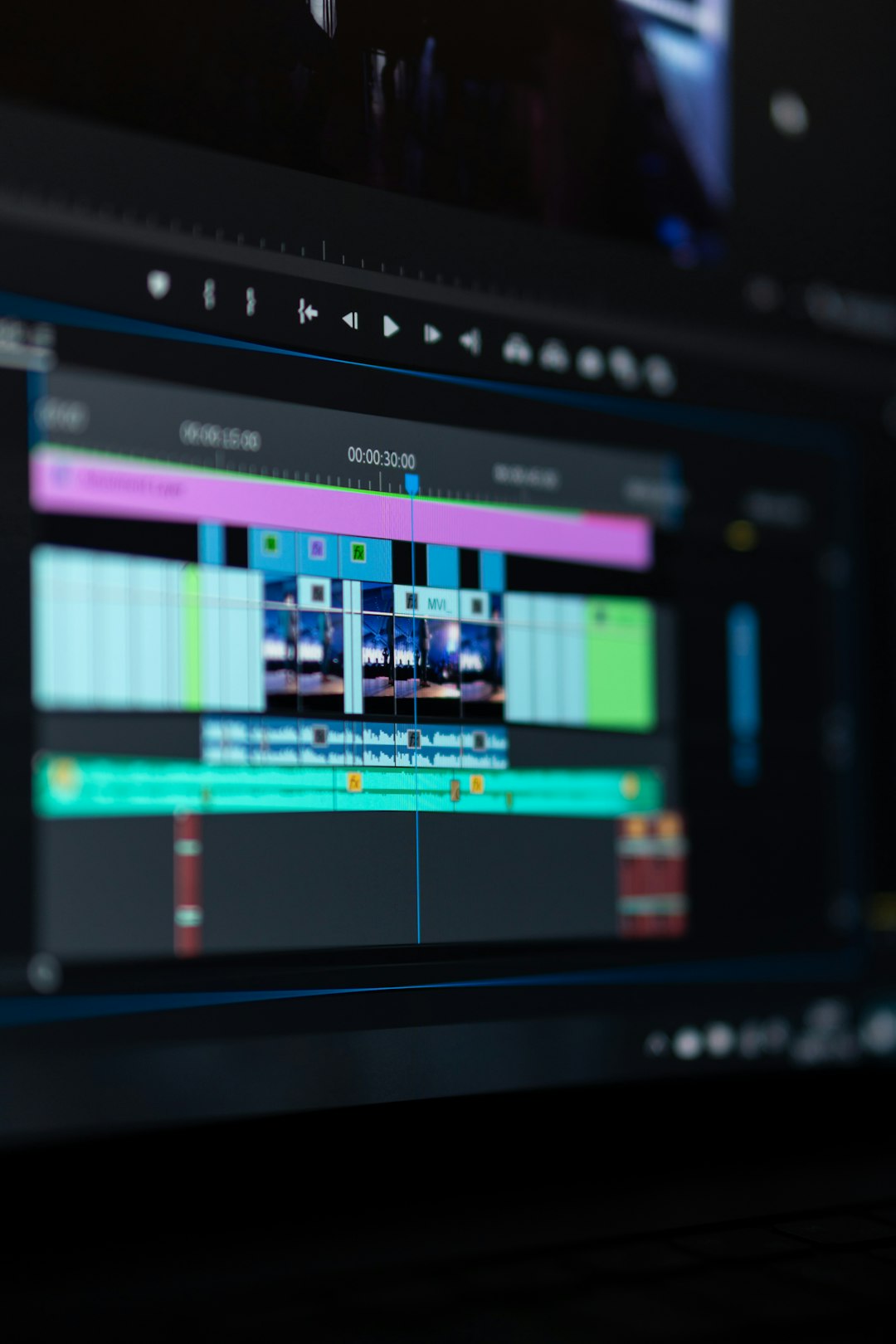
AI video tools are not magic. They are more like a very fast assistant. Sometimes brilliant. Sometimes weird.
Here is what AI can help with:
- Finding key moments in long videos.
- Writing hooks for the first few seconds.
- Adding subtitles and fixing timing.
- Suggesting titles and captions for posts.
- Changing video size for different platforms.
- Adding simple effects and transitions.
But AI still needs human taste. It may choose a clip that is technically correct but boring. It may miss a funny moment. It may add captions with small mistakes.
So the best workflow is simple. Let AI do the heavy lifting. Then you do the final check.
ClipTrend Pros
Here are the best things about ClipTrend.
- It saves time. This is the main reason to use it.
- It is beginner-friendly. You do not need to be a video editor.
- It helps with consistency. Templates make videos look more polished.
- It supports short-form content. That is where a lot of attention is today.
- It can improve workflow. One long video can become many short posts.
If your goal is to post more often, ClipTrend can help. It turns editing from a mountain into a small hill. Still a hill. But less scary.
ClipTrend Cons
No tool is perfect. ClipTrend also has some possible downsides.
- AI edits may need fixing. Always review before posting.
- Templates can feel similar. Your videos may look like other users’ videos.
- Advanced editors may feel limited. It is built more for speed than deep control.
- Pricing can matter. If you make only a few videos, the cost may not be worth it.
- Internet connection is usually needed. Cloud tools depend on upload speed.
The biggest issue is quality control. AI can help. But it cannot fully replace your eye, your humor, or your brand voice.
A Simple Use Case
Imagine a fitness coach named Maya. She records one 20-minute workout tips video every Monday.
Without ClipTrend, she spends 3 hours editing. She creates 3 clips.
With ClipTrend, she uploads the video and lets the AI find highlights. She creates 8 clips in about 90 minutes. That gives her content for the whole week.
If each clip gets 1,000 views, that is 8,000 weekly views from one recording session. Not bad for a Monday.
ClipTrend Alternatives
ClipTrend is not the only tool in this space. There are many AI video editors and short-form content tools. Here are some alternatives to consider.
1. Opus Clip
Opus Clip is popular for turning long videos into shorts. It is often used by podcasters, educators, and interview creators. It can identify viral-style moments and create clips quickly.
2. Descript
Descript is great for editing video like a document. You can edit spoken words by changing text. It is strong for podcasts, interviews, tutorials, and clean audio workflows.
3. VEED
VEED is a simple online video editor with captions, templates, and social tools. It is friendly for beginners and works well for fast edits.
4. Kapwing
Kapwing is another browser-based editor. It supports memes, captions, resizing, and team projects. It is useful for social teams and casual creators.
5. CapCut
CapCut is very popular for TikTok-style edits. It has many effects, templates, and mobile editing features. It is great if you like trendy, fast-moving content.

How to Choose the Right Tool
Do not choose a tool just because it sounds fancy. Choose based on your workflow.
Ask yourself:
- Do I edit long videos into short clips?
- Do I need automatic captions?
- Do I want templates?
- Do I edit alone or with a team?
- Do I need mobile editing?
- How many videos do I post each week?
If you post once a month, a simple editor may be enough. If you post daily, AI tools like ClipTrend become much more valuable.
Final Verdict
ClipTrend is a useful tool for creators who want to make short videos faster. It is best for people who have ideas or long videos but not enough editing time.
Its strongest value is speed. Auto captions, clip generation, resizing, and templates can make content creation feel much easier. That means less time dragging clips around and more time planning your next great post.
Still, ClipTrend is not a magic content machine. You should review every clip. Fix captions. Check the hook. Add your own style. The best videos still need a human touch.
If you want quick, simple, social-ready videos, ClipTrend is worth checking out. If you need advanced editing control, try a more detailed editor. Either way, AI video tools are here to stay. And thankfully, they do not ask for coffee breaks.