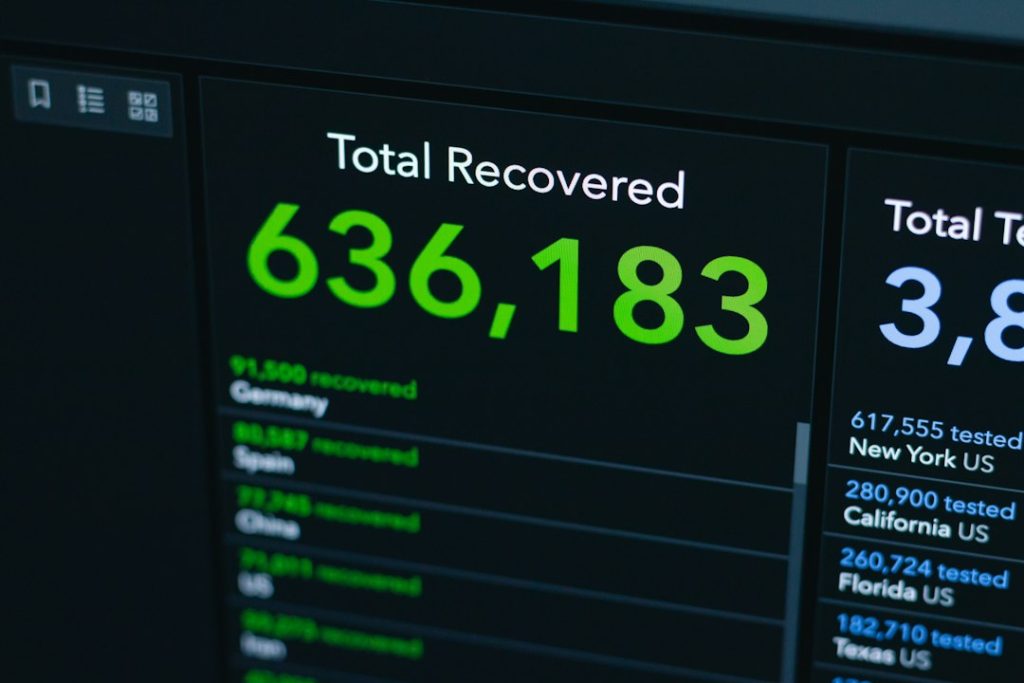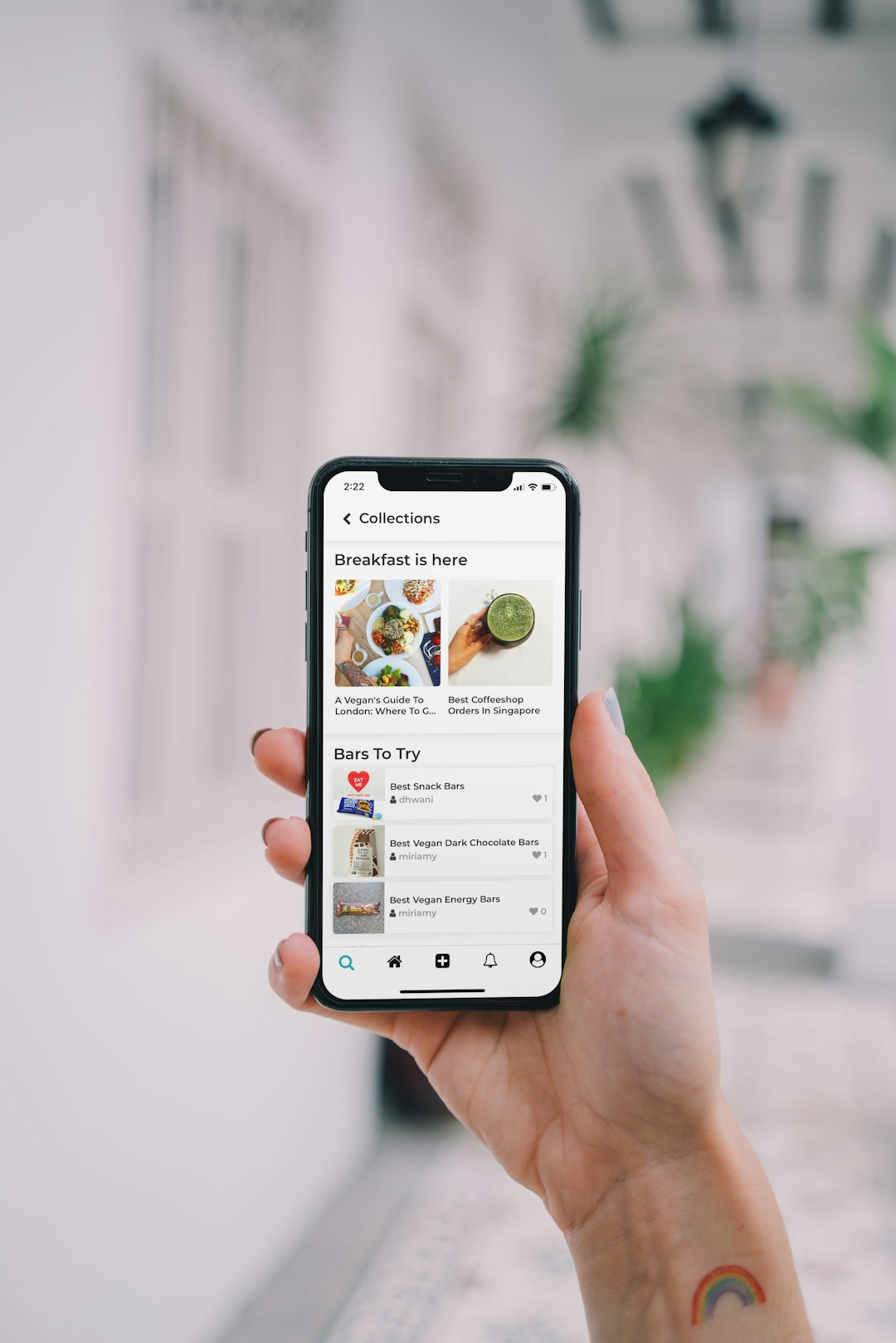

The best Smartmockups alternatives are Placeit, Mediamodifier, Mockuuups Studio, Artboard Studio, Canva, Figma plugins, and Shots. Smartmockups is useful for quick mockups, but many teams need deeper editing, batch exports, cleaner device frames, or better ad-ready templates. Smartmockups also sits inside Canva’s app system, which helps some users but limits others who want a separate workflow [source: Canva].
TLDR: For simple product mockups, Placeit and Mediamodifier are the safest picks. For polished launch visuals, Artboard Studio and Mockuuups Studio give teams more control. For example, a small SaaS team creating 40 device ads per month could cut export work from around 4 hours to under 1 hour by using saved templates and batch exports. Teams already working in Canva or Figma may prefer tools that stay close to their current design process.
1. Placeit
Best for: apparel mockups, merch, social ads, and fast ecommerce visuals.
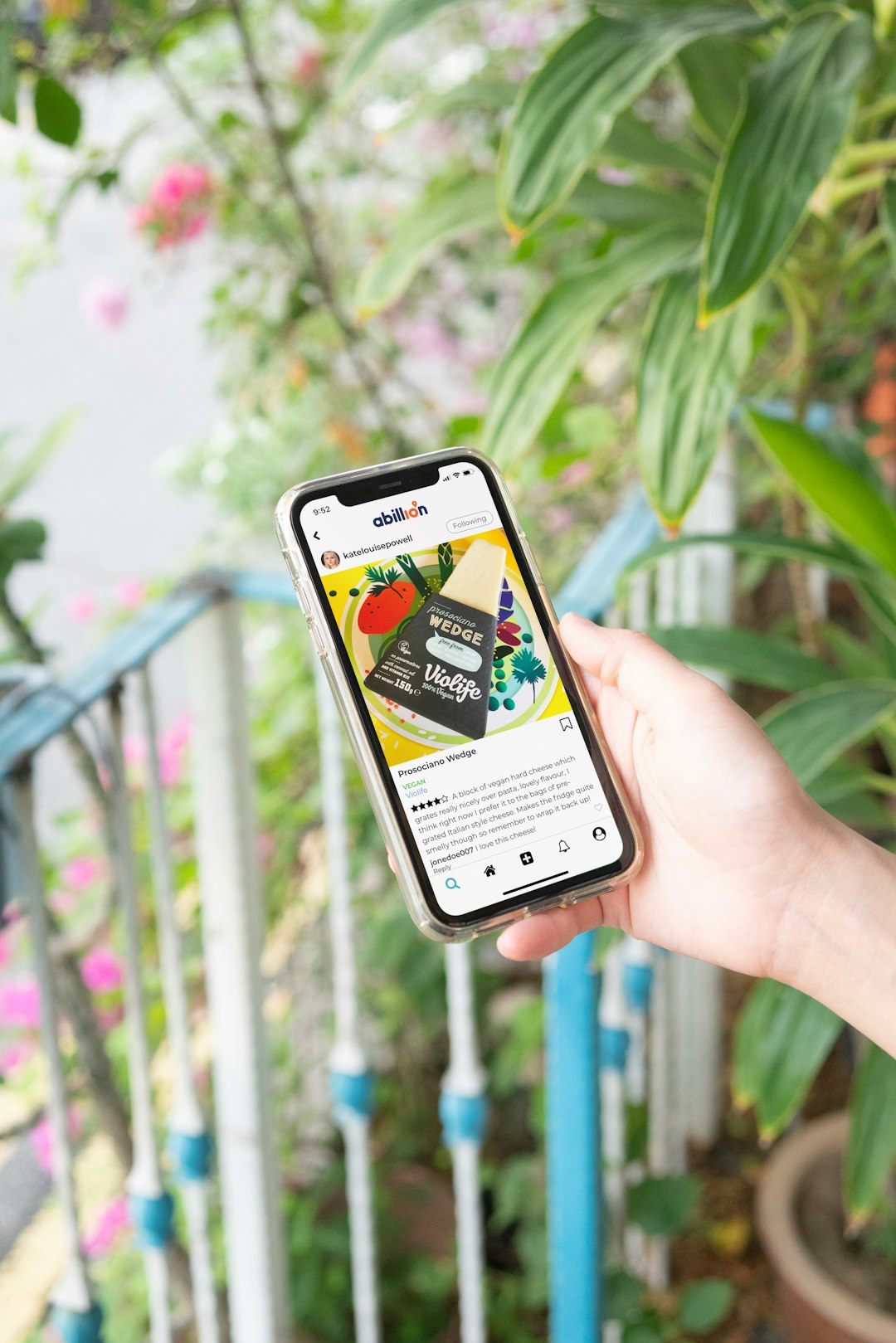
Placeit is one of the easiest Smartmockups alternatives for non-designers. It has a huge library of T-shirt mockups, mugs, hats, packaging, posters, and device screens. A user can upload a design, adjust the crop, and export a clean marketing image in minutes.
The catch is that editing can feel stiff. Fine layout changes are not always possible. Still, for sellers who need many visuals quickly, it is hard to beat.
2. Mediamodifier
Best for: product images, books, packaging, ads, and social media posts.
Mediamodifier feels close to Smartmockups, but with a wider set of marketing tools. It covers devices, print items, apparel, packaging, logos, and social templates. It also supports simple online editing, so teams do not need Photoshop for basic work.
It works well for small shops, authors, creators, and agencies that need mockups plus quick ad graphics. The interface is plain, which is not exciting, but it gets the job done without much drama.
3. Mockuuups Studio
Best for: app screens, SaaS demos, device screenshots, and product launches.
Mockuuups Studio is built for device mockups. It offers desktop, tablet, phone, smartwatch, and browser frames. It is strong for apps because it can handle many screens at once. That makes it useful for landing pages, App Store images, pitch decks, and launch posts.
Teams that create many UI screens will like the speed. The tool can save a lot of repetitive work. It drives some users crazy that the best templates sit behind paid plans, but the time savings can still make sense.
4. Artboard Studio
Best for: high-end brand visuals, product scenes, and campaign images.
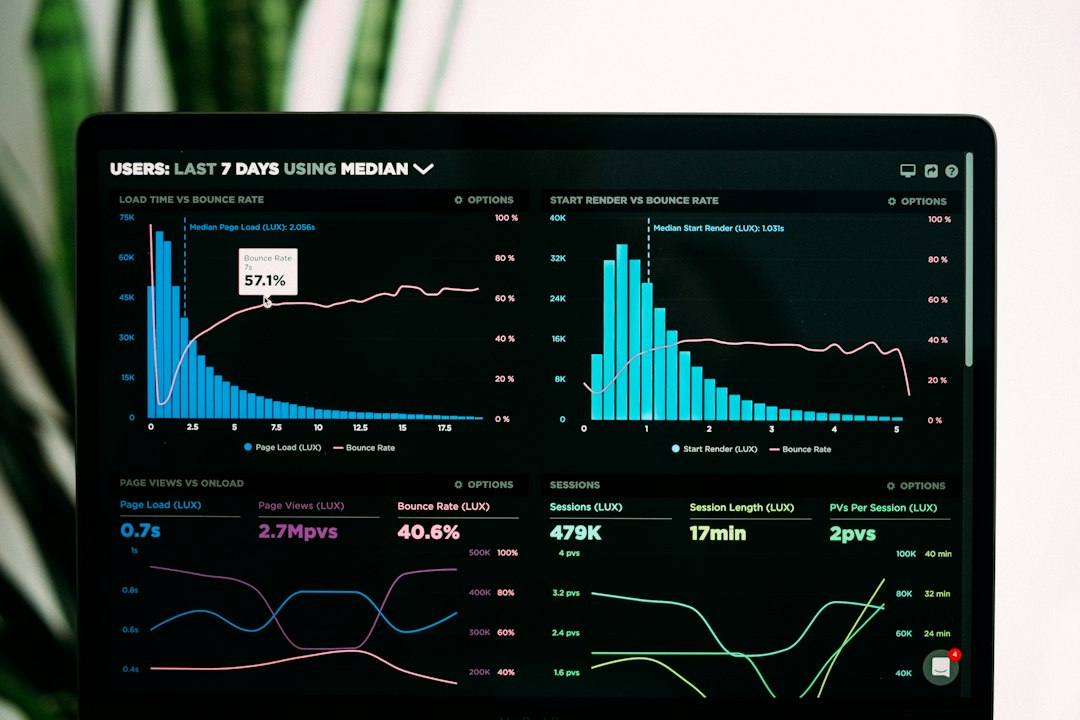
Artboard Studio is better when a brand needs more than a flat mockup. It can build full scenes with shadows, props, backgrounds, and layered objects. It feels closer to a design tool than a mockup generator.
This makes it useful for cosmetics, food, supplements, packaging, and premium ecommerce visuals. A designer can create a full product story instead of a single image on a blank background. The learning curve is higher, though. Expect to spend extra time setting up scenes before the results start to look polished.
5. Canva
Best for: social posts, simple mockups, presentations, and brand kits.
Canva is a practical option for teams that already use it for daily content. It has device frames, product templates, ad layouts, and a simple drag-and-drop editor. A marketer can turn one mockup into Instagram posts, banners, slides, and email graphics without switching tools.
Canva is not the strongest choice for complex product mockups. It is better for speed and consistency. For teams with a brand kit, it keeps colors, fonts, logos, and layouts in one place.
6. Figma Plugins
Best for: UI designers, product teams, and design systems.
Figma is not a mockup tool by itself, but its plugins make it a strong Smartmockups alternative. Plugins can place app screens inside phones, laptops, browsers, and tablets. Designers can keep mockups next to the original UI files, which reduces export clutter.
This is the best route for product teams already living in Figma. It avoids the annoying routine of exporting a screen, uploading it somewhere else, fixing the crop, then doing it again after every small UI change.
7. Shots
Best for: clean device screenshots, startup visuals, and quick hero images.
Shots is simple, modern, and focused. It helps teams create clean device screenshots with browser frames, phones, gradients, shadows, and backgrounds. It is a good fit for SaaS homepages, feature announcements, X posts, LinkedIn posts, and product updates.
It does not try to cover mugs, bags, shirts, and packaging. That is a weakness for ecommerce sellers. For software teams, though, the narrow focus is a strength.
Image not found in postmetaHow to Choose the Right Alternative
- For ecommerce products: Placeit or Mediamodifier is usually the fastest choice.
- For mobile apps and SaaS: Mockuuups Studio, Figma plugins, or Shots work best.
- For premium campaign visuals: Artboard Studio gives more creative control.
- For everyday marketing teams: Canva keeps mockups, posts, and slides together.
The best pick depends on output volume. A seller making five product images a month may only need Placeit. A startup shipping weekly product updates may need Shots or Figma plugins. An agency building full campaigns may prefer Artboard Studio because clients often expect richer scenes.
FAQ
What is the best free Smartmockups alternative?
Canva and some Figma plugins are good starting points. Free options may have export limits, watermarks, or fewer templates.
Which tool is best for device screenshots?
Mockuuups Studio is strong for bulk device mockups. Shots is better for clean and modern software visuals.
Which alternative is best for ecommerce mockups?
Placeit is a strong pick for apparel, merch, and print products. Mediamodifier is also useful for packaging, books, and ads.
Which option gives the most design control?
Artboard Studio gives the most control over scenes, layers, shadows, and branded product visuals.
Can these tools replace Photoshop?
For simple mockups, yes. For advanced retouching, photo correction, and custom composites, Photoshop or a similar editor may still be needed.