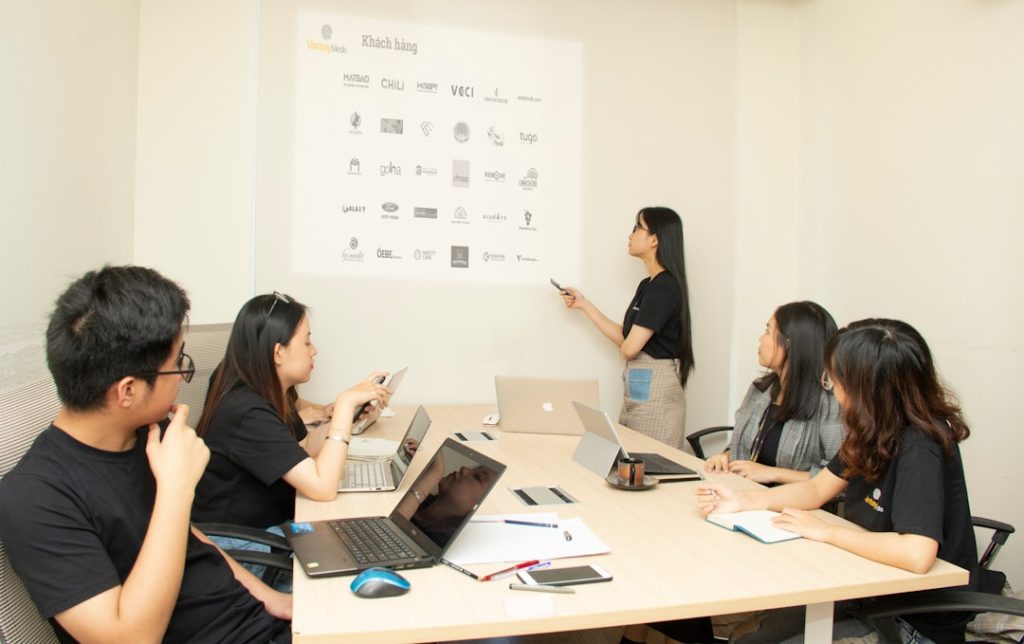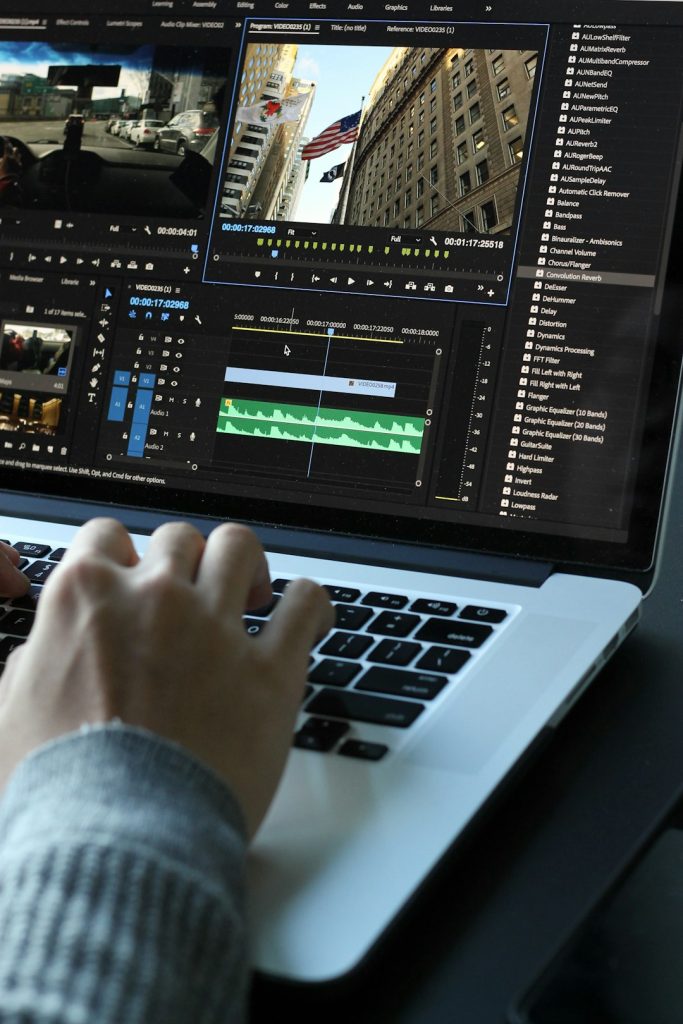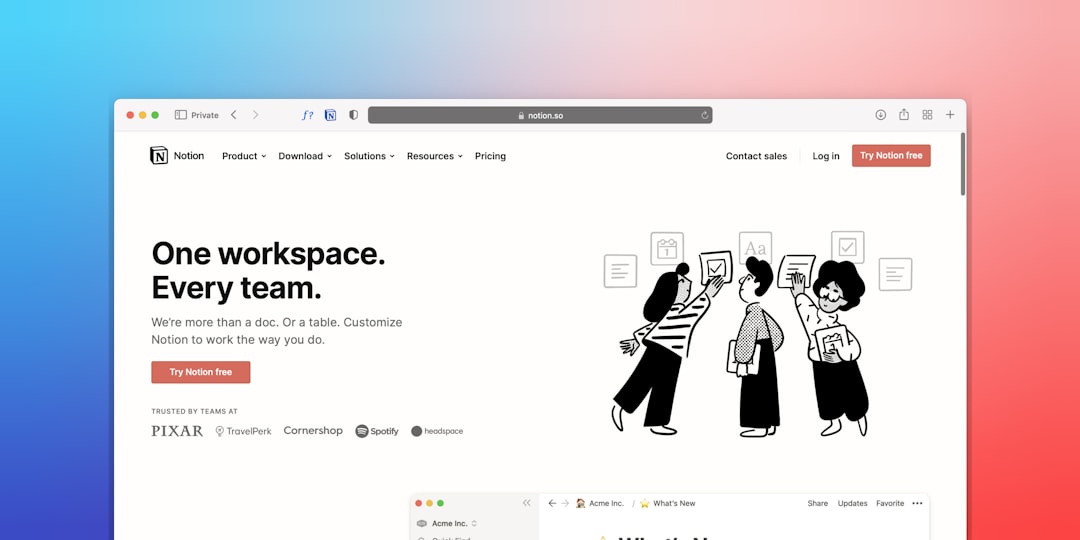

Modern design work rarely fits neatly into one category. A small business may need a website on Monday, a flyer on Tuesday, business cards by Friday, and social media graphics every day in between. The good news is that today’s all-in-one design platforms make it easier to create polished, consistent visuals without switching between five different tools or hiring a full creative team.
TLDR: If you need one platform for websites, flyers, business cards, presentations, and online graphics, tools like Canva, Adobe Express, Wix Studio, and Visme are strong places to start. Some platforms are better for quick templates, while others offer more control for professional web design. The best choice depends on whether you value speed, branding consistency, collaboration, or advanced customization.
Below are ten versatile platforms that help creators, entrepreneurs, marketers, and teams design more efficiently across multiple formats.
1. Canva
Canva is one of the most recognizable all-in-one design platforms, and for good reason. It offers templates for websites, business cards, flyers, posters, presentations, videos, social posts, resumes, menus, and much more. Its drag-and-drop editor is friendly enough for beginners but still useful for professionals who need to move fast.
One of Canva’s biggest strengths is its brand kit feature, which lets you save logos, colors, fonts, and reusable assets. This makes it easy to keep every design consistent, whether you are publishing a landing page or printing a brochure. Canva is especially useful for small businesses, educators, creators, and nonprofit teams.
2. Adobe Express
Adobe Express is a streamlined design tool built for quick, polished content creation. It works well for flyers, logos, social media posts, web pages, videos, and promotional graphics. While it is simpler than Adobe Photoshop or Illustrator, it still benefits from Adobe’s strong creative ecosystem.
For users who already rely on Adobe tools, Express can be a convenient bridge between professional design and everyday marketing needs. Its templates look modern, and its editing tools are straightforward. It is a strong option for social media managers and business owners who want high-quality results without a steep learning curve.
3. VistaCreate
VistaCreate focuses on quick visual design for digital and print materials. It includes templates for flyers, business cards, posters, invitations, presentations, animated graphics, and social media content. The platform is particularly appealing for users who want attractive ready-made layouts with minimal setup.
Its animation options are useful for creating dynamic posts and ads, while its print-focused templates help businesses prepare materials for offline promotion. If your priority is making eye-catching marketing visuals quickly, VistaCreate deserves attention.
4. Figma
Figma is best known as a collaborative interface design tool, but its flexibility makes it useful far beyond app and website mockups. Designers use it to create landing pages, digital ads, brand systems, presentations, posters, icons, and marketing layouts. Its real-time collaboration tools are among the best in the industry.
Unlike template-heavy platforms, Figma gives users more freedom and precision. This makes it ideal for design teams, startups, and agencies that need to create custom layouts rather than rely only on prebuilt designs. However, beginners may need more time to learn it compared with tools like Canva or Adobe Express.
5. Wix Studio
Wix Studio is especially strong for building responsive websites, but it also supports broader branding and design workflows. Users can create professional sites, landing pages, portfolios, service pages, and online stores with visual editing tools and advanced layout control.
While Wix Studio is not primarily a flyer or business card maker, it fits well into an all-in-one creative workflow because it helps businesses turn their visual identity into a functional online presence. It is particularly useful for freelancers, agencies, and companies that want professional website capabilities without writing code from scratch.
6. Squarespace
Squarespace is known for elegant website templates, but it also includes tools for email campaigns, logos, scheduling, ecommerce, portfolios, and brand presentation. It is a strong choice for creative professionals, restaurants, consultants, and online sellers that want visually polished websites with minimal technical complexity.
The platform’s biggest advantage is design consistency. Its templates are clean, stylish, and well-structured, helping users create a premium look even without deep design experience. For print items such as cards or flyers, you may still use another design tool, but Squarespace excels at turning branding into a refined digital home.
7. Webflow
Webflow is a powerful platform for people who want more control over website design. It combines visual editing with professional-level layout, interaction, and CMS features. Designers can create custom websites, landing pages, blogs, portfolios, and marketing pages without traditional coding.
Webflow is not the fastest choice for a simple flyer or business card, but it belongs on this list because many brands need their website to be the centerpiece of their visual identity. For teams that want custom web experiences and are comfortable with a more advanced tool, Webflow is one of the strongest options available.
8. Visme
Visme is a versatile content creation platform designed for presentations, infographics, reports, flyers, charts, social media graphics, business documents, and more. It is especially useful for companies that need to communicate information visually.
What makes Visme interesting is its balance between design and data. You can create attractive marketing materials, but you can also build charts, interactive reports, and branded slide decks. Teams that produce proposals, educational content, sales materials, and internal documents may find Visme more practical than a purely graphic design tool.

9. Piktochart
Piktochart started as a tool for infographics and visual reports, but it has expanded into presentations, posters, flyers, social media visuals, and business communication assets. It is a great choice for users who need to turn complex information into readable, attractive designs.
Its editor is simple, and its templates are structured around clarity. That makes it useful for educators, marketers, researchers, HR teams, and nonprofits. If your design needs include charts, data summaries, timelines, and process graphics, Piktochart can help you create professional results quickly.
10. Microsoft Designer
Microsoft Designer is a newer design platform that uses AI-assisted features to help generate graphics, layouts, and visual ideas. It is useful for social posts, invitations, promotional images, and branded content. For users already working in the Microsoft ecosystem, it can feel like a natural addition to everyday productivity tools.
Although it may not yet replace more mature platforms for complex web design or print production, it is valuable for quick creative tasks. Its AI-powered suggestions can help users overcome the blank-page problem and produce usable visuals faster.
How to Choose the Right Platform
The best all-in-one design platform depends on your workflow. If you want the fastest path to attractive designs, Canva, Adobe Express, and VistaCreate are excellent choices. If your priority is a professional website, look at Wix Studio, Squarespace, or Webflow. If your work involves data, presentations, or business communication, Visme and Piktochart stand out.
- For beginners: Choose a template-rich platform with simple drag-and-drop editing.
- For brand consistency: Look for brand kits, shared libraries, and team collaboration.
- For websites: Prioritize responsive design, hosting options, SEO tools, and ecommerce features.
- For print materials: Check export quality, bleed settings, file formats, and print service integrations.
- For teams: Consider permissions, comments, shared folders, and approval workflows.
Final Thoughts
All-in-one design platforms have changed the way people create. Instead of waiting days for every small visual update, businesses can now build campaigns, refresh websites, design flyers, and prepare business cards from a single workspace. The key is not simply choosing the platform with the longest feature list, but choosing the one that matches your real needs.
For many users, a combination of tools may still make sense: one for fast marketing graphics, another for advanced website design, and another for data-heavy presentations. But if you want to simplify your creative process, the ten platforms above offer a strong starting point for producing professional, consistent, and engaging designs across nearly every format.