
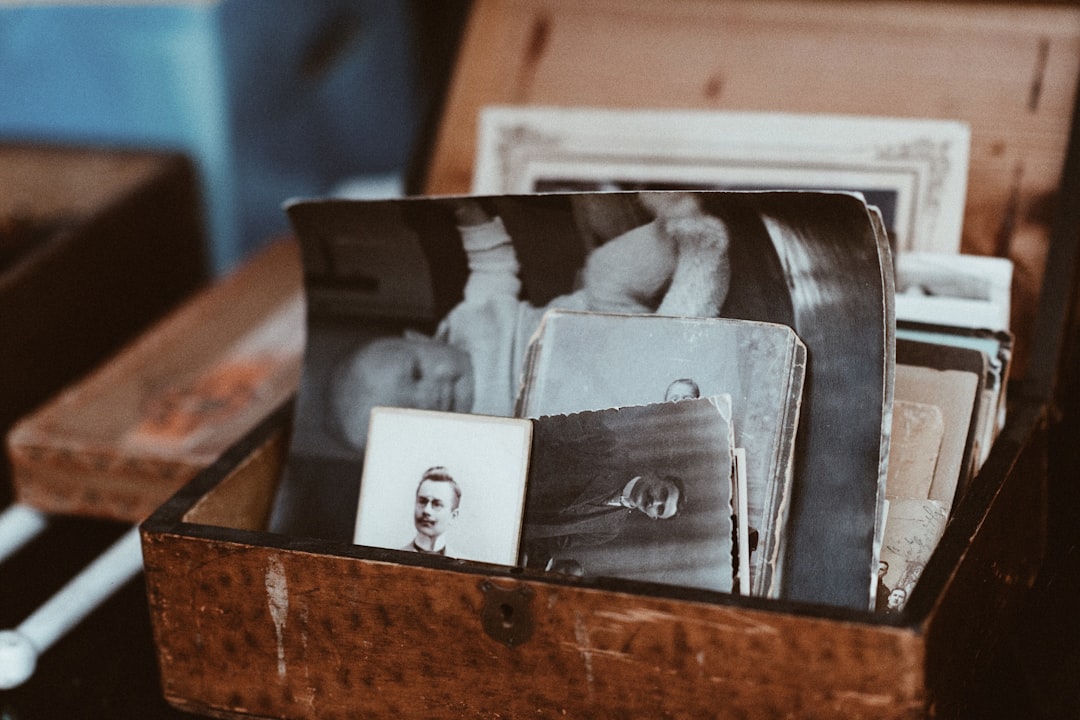
Your old photo box is basically a tiny time machine. It has baby photos, wedding shots, vacation chaos, and at least one mystery person nobody can name. Photomyne promises to turn that messy paper pile into a neat digital album. But is it worth your time and money? Let’s find out in plain English.
TLDR: Photomyne is a fast and friendly photo scanning app that works well for people with lots of printed photos. For example, a user with 300 family pictures could scan a big chunk of them in one afternoon instead of spending days with a flatbed scanner. Its auto-crop and album tools are helpful, but the subscription price may annoy casual users. If you only need basic scanning, Google PhotoScan or Microsoft Lens may be enough.
What Is Photomyne?
Photomyne is a mobile app for scanning printed photos with your phone camera. You place photos on a table, open the app, and take a picture. The app then crops, sharpens, and saves the images.
The big idea is simple. You do not need a bulky scanner. You do not need cables. You do not need to become the family tech wizard. You just point, tap, and save.
Photomyne is available for iPhone and Android. It is especially popular with people who want to digitize old family albums. It can also scan slides, negatives, and photo albums, depending on the plan and tools you use.
Key Features of Photomyne
Photomyne has a lot of features. Some are genuinely useful. Some are nice extras. Here are the big ones.
- Multiple photo scanning: You can scan several photos in one shot. The app detects each photo and separates them.
- Auto cropping: Photomyne finds the edges of a photo and trims the background away.
- Color restoration: It can improve faded colors. Grandma’s 1970s dress may suddenly become loud again.
- Face detection: The app can help group photos by people.
- Album creation: You can organize scans into albums, names, dates, and events.
- Cloud backup: Paid users can back up photos online.
- Sharing tools: You can send photos to family members by link, message, or email.
- Photo animation: Some versions let you animate faces in old pictures. It is fun, and also a little spooky.
How Easy Is It to Use?
Photomyne is easy to use. That is one of its strongest points. The interface is bright, simple, and not scary. Even if you are not techy, you can get started quickly.
The process looks like this:
- Open the app.
- Choose the type of scan.
- Place photos on a flat surface.
- Take a clear picture.
- Let the app crop and clean it.
- Save, name, or share the photo.
Good lighting matters. A lot. If your room is too dark, scans may look dull. If there is glare, glossy photos can look like they are being attacked by tiny suns. Natural window light is your best friend.
Photomyne Scan Quality
For a phone app, Photomyne does a solid job. It is faster than a flatbed scanner. It is also much more convenient. But it is not always perfect.
Photos usually look good enough for family sharing, digital albums, and social media. The app improves color and contrast. It often makes old images look cleaner.
Still, a real scanner may give better results for very important photos. If you have a rare wedding portrait or a precious vintage print, you may want a high-resolution scanner or a professional service.
Think of Photomyne as a fast memory saver, not a museum-grade restoration lab.

What Users Like
Many users enjoy Photomyne because it makes a big project feel small. Scanning one photo at a time on a flatbed scanner can feel endless. Photomyne makes the job feel more like taking pictures of pictures. Simple. Quick. Almost fun.
Users often praise these points:
- Speed: You can scan large batches quickly.
- Simple design: The app is easy to understand.
- Smart cropping: It saves time by cutting photos automatically.
- Family sharing: It is easy to send old memories to relatives.
- Organization: Albums and names help reduce digital clutter.
A common user story goes like this: someone opens a dusty shoebox of family photos, plans to scan “just a few,” and then spends two hours happily rediscovering birthdays, vacations, and haircuts that should never return.
What Users Complain About
No app is perfect. Photomyne has a few common complaints.
- Subscription cost: Many features require a paid plan.
- Confusing trial terms: Some users say they did not notice when the free trial turned into a paid subscription.
- Scan limits: Free use can feel restricted.
- Quality differences: Results depend on lighting, phone camera, and photo condition.
- Too many prompts: Some users feel pushed toward upgrading.
The biggest issue is usually pricing. Photomyne may be worth it if you have hundreds or thousands of photos. But if you only need to scan 20 pictures, a subscription may feel like buying a bus to visit your neighbor.
Photomyne Pricing
Photomyne often uses a subscription model. Prices can change by country, device, and promotion. So always check the app store before signing up.
There is usually a free trial or limited free version. Paid plans unlock more scans, cloud backup, better sharing, and extra tools.
Here is the simple rule:
- Worth it: You have many albums or boxes of photos.
- Maybe not worth it: You only need a few quick scans.
- Be careful: Set a reminder before the trial ends.
Best Photomyne Alternatives
If Photomyne is not your perfect match, do not worry. There are good alternatives. Some are free. Some are better for documents. Some are better for serious archiving.
1. Google PhotoScan
Google PhotoScan is a free app made for scanning printed photos. It guides you through taking several shots of one photo. Then it combines them to reduce glare.
Best for: Casual users who want free photo scanning.
Pros: Free, simple, good glare reduction.
Cons: Slower for big batches than Photomyne.
2. Microsoft Lens
Microsoft Lens is more of a document scanner, but it can scan photos too. It is free and works well for receipts, notes, whiteboards, and printed images.
Best for: People who scan both photos and documents.
Pros: Free, reliable, great for productivity.
Cons: Not as photo-focused or nostalgic as Photomyne.
3. Epson FastFoto
Epson FastFoto is not just an app. It is a dedicated photo scanner system. It can scan stacks of photos very quickly.
Best for: Huge family archives.
Pros: High speed, strong quality, great for large projects.
Cons: Hardware costs much more than an app.
4. ScanCafe
ScanCafe is a professional scanning service. You send your photos to them. They scan and restore them.
Best for: People who want professional results without doing the work.
Pros: High-quality output, good for delicate collections.
Cons: More expensive, slower, requires mailing photos.
Who Should Use Photomyne?
Photomyne is a great pick for families. It is also good for memory keepers, genealogy fans, and anyone with old albums sitting in a closet.
You will probably like it if:
- You have a lot of printed photos.
- You want fast scanning.
- You like automatic cropping and organizing.
- You want to share memories with family.
- You do not mind paying for convenience.
You may want another option if:
- You only need a few scans.
- You want totally free tools.
- You need professional archive quality.
- You dislike subscription apps.
Final Verdict
Photomyne is a fun, fast, and useful app for saving old photos. It turns a huge scanning project into something much easier. The auto-crop feature is handy. The album tools are helpful. The family sharing features are sweet.
But the app is not perfect. The subscription model can be frustrating. Scan quality depends on your phone and lighting. For a few photos, free apps may be smarter.
So here is the final answer. If you have a mountain of memories, Photomyne is worth trying. If you only have a tiny photo puddle, start with a free alternative. Either way, your old pictures deserve a second life. Even the awkward ones. Especially the awkward ones.