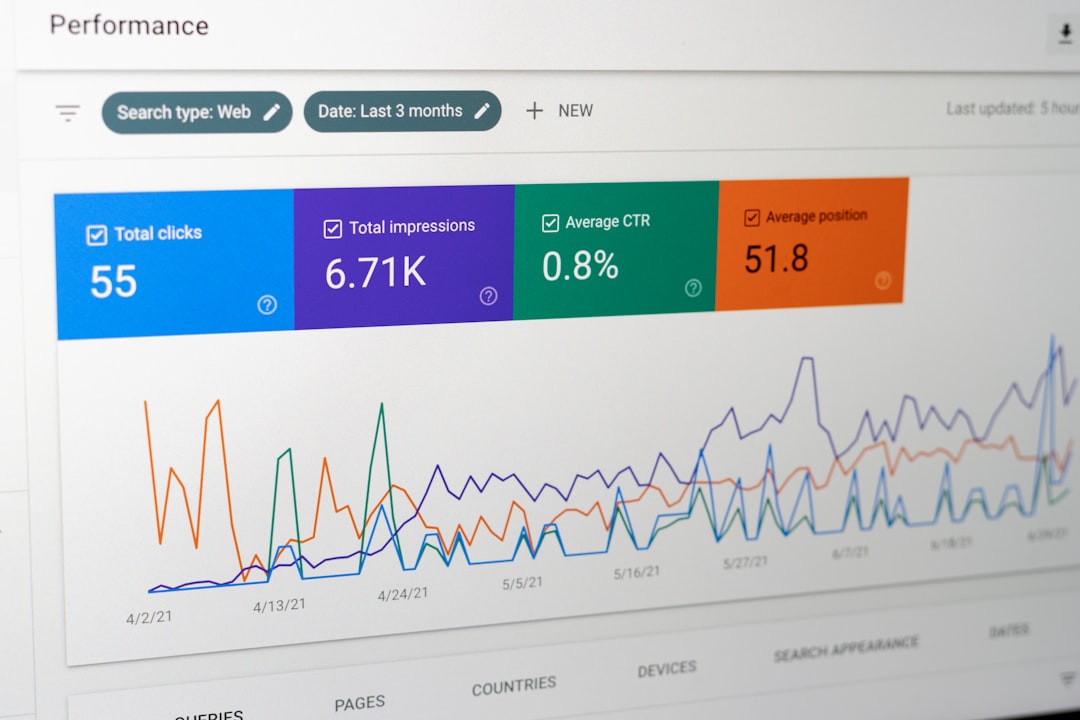

When visitors use a site search bar and receive no matching products, articles, services, or answers, the experience is known as a zero results search. In SEO and conversion optimization, this is more than a usability issue: it is a clear signal that search intent, content structure, product data, or internal search technology is failing to connect users with relevant information.
TLDR: Zero results searches happen when users search for something your site cannot understand, does not contain, or cannot surface properly. Common causes include misspellings, missing content, poor tagging, weak internal search logic, and gaps between user language and site terminology. The best solutions combine better content mapping, improved search functionality, synonym handling, analytics review, and ongoing SEO optimization. Reducing zero results pages improves user experience, conversions, and overall site authority.
What Is a Zero Results Search?
A zero results search occurs when a user enters a query into a website’s internal search function and receives a message such as “No results found” or “We could not find anything matching your search.” While this may seem harmless, it often represents a lost opportunity. The visitor had clear intent, took action, and expected guidance. Instead, the website reached a dead end.
From an SEO perspective, zero results searches provide valuable insight into what users expect from your website. They reveal demand for content, products, topics, formats, or terminology that may not yet be properly represented. For ecommerce sites, this can mean lost sales. For publishers, it can mean lower engagement. For service businesses, it can mean missed leads.
Common Causes of Zero Results Searches
Understanding the cause is the first step toward a practical solution. Most zero results searches are not random; they follow patterns that can be measured and improved.
- Misspellings and typing errors: Users often type quickly, especially on mobile devices. If your search engine cannot handle small spelling mistakes, relevant content may remain hidden.
- Different terminology: A business may use technical or brand-specific language while users search with simpler, everyday terms. For example, a site may label something as “outdoor seating,” while users search for “patio furniture.”
- Missing content or products: Sometimes users search for information, services, or items that are not available on the site. These searches can reveal real demand and content gaps.
- Poor metadata and tagging: Even if content exists, weak titles, descriptions, categories, or tags may prevent it from appearing in search results.
- Limited internal search technology: Basic search tools may rely only on exact keyword matches, ignoring synonyms, plural forms, filters, intent, or contextual relevance.
- Incorrect indexing: Pages, products, or resources may not be included in the internal search index due to technical errors, restricted settings, or outdated databases.
Why Zero Results Searches Matter for SEO
Although internal search results themselves are not always indexed by search engines, user behavior around them can affect broader site performance. Visitors who encounter dead ends are more likely to abandon the site, reducing engagement metrics and weakening the path to conversion. If many users cannot find what they need, the site’s information architecture may also be confusing to search engines.
Zero results data can also inform keyword research. Unlike external keyword tools, internal search queries come directly from your audience. They show the exact words people use after they have already arrived on your website. This makes them highly relevant for content planning, product naming, category development, and FAQ optimization.
How to Identify Zero Results Searches
To improve zero results search performance, you need reliable data. Start by tracking internal search queries through analytics tools, search platform reports, or server logs. Pay attention not only to the total number of zero results, but also to frequency, seasonality, device type, and user behavior after the failed search.
Important questions include:
- Which queries produce zero results most often?
- Are users misspelling existing products or topics?
- Are they searching for content that should exist but does not?
- Do zero results searches happen more often on mobile?
- Do users leave the site immediately after seeing no results?
This analysis helps separate technical problems from strategic content gaps. A query with high volume may justify a new page, product category, guide, comparison article, or landing page.

Practical Solutions for Reducing Zero Results
The most effective approach is to combine technical improvements with editorial and SEO strategy. A better search experience does not simply show more results; it shows more relevant results.
- Add synonym support: Map related terms so that similar queries return appropriate results. For example, connect “sofa” with “couch,” or “attorney” with “lawyer.”
- Enable typo tolerance: A good search function should understand common misspellings and minor typing errors, especially for product names and brand terms.
- Improve tagging and metadata: Use descriptive titles, categories, attributes, and tags. Make sure important content is properly indexed by the internal search system.
- Create content for repeated zero-result queries: If many users search for the same topic, consider building a dedicated article, FAQ, guide, product page, or category page.
- Use autocomplete and query suggestions: Search suggestions can guide users toward available content before they submit a query that produces no results.
- Display helpful alternatives: Instead of a blank page, show related categories, popular searches, best-selling products, contact options, or recommended resources.
- Review filters and facets: Sometimes users create zero results by applying too many filters. Offer clear reset options and show broader matches when possible.
SEO Best Practices for Zero Results Pages
Search engines generally should not index internal zero results pages. These pages are thin, duplicative, and low value for organic search. If they are indexable at scale, they may waste crawl budget and create poor-quality URLs in search results.
Follow these best practices:
- Use noindex where appropriate: Prevent internal search result pages, especially zero results pages, from being indexed by search engines.
- Control crawl paths: Avoid generating endless URL variations through internal search parameters and filters.
- Turn valuable search demand into indexable content: If users frequently search for a term, create a proper landing page or article that can be optimized and indexed.
- Optimize page titles and headings: New pages based on search demand should use clear, user-focused language rather than internal jargon.
- Strengthen internal linking: Link from relevant pages, menus, and content sections so users and search engines can discover important resources without relying only on search.
Improving the User Experience
A zero results page should never feel like a dead end. The language should be clear, polite, and useful. Avoid blaming the user with messages such as “Your search was invalid.” Instead, offer constructive next steps.
A stronger message might say: “We could not find an exact match, but these related resources may help.” Then provide suggested categories, corrected spelling, popular content, or a support option. This keeps users engaged and reduces abandonment.

Measuring Success
After implementing fixes, monitor performance regularly. Key metrics include the percentage of searches returning zero results, click-through rates from search results pages, conversion rates after internal search, exit rates, and the number of new content opportunities discovered.
A healthy internal search system should evolve with user behavior. New products, seasonal interests, industry trends, and changing language all affect what people search for. Reviewing zero results reports monthly or quarterly helps keep your website aligned with real demand.
Final Thoughts
Zero results searches are not just technical errors; they are direct feedback from users. They show where the website’s content, language, navigation, and search functionality are misaligned with visitor intent. By analyzing these searches carefully and responding with better content, smarter search logic, and stronger SEO practices, businesses can reduce frustration and uncover valuable growth opportunities.
The goal is not merely to eliminate every zero results page. The goal is to ensure that when users express intent, the website responds with clarity, relevance, and useful direction. That is what builds trust, supports conversions, and strengthens long-term search performance.